Epics
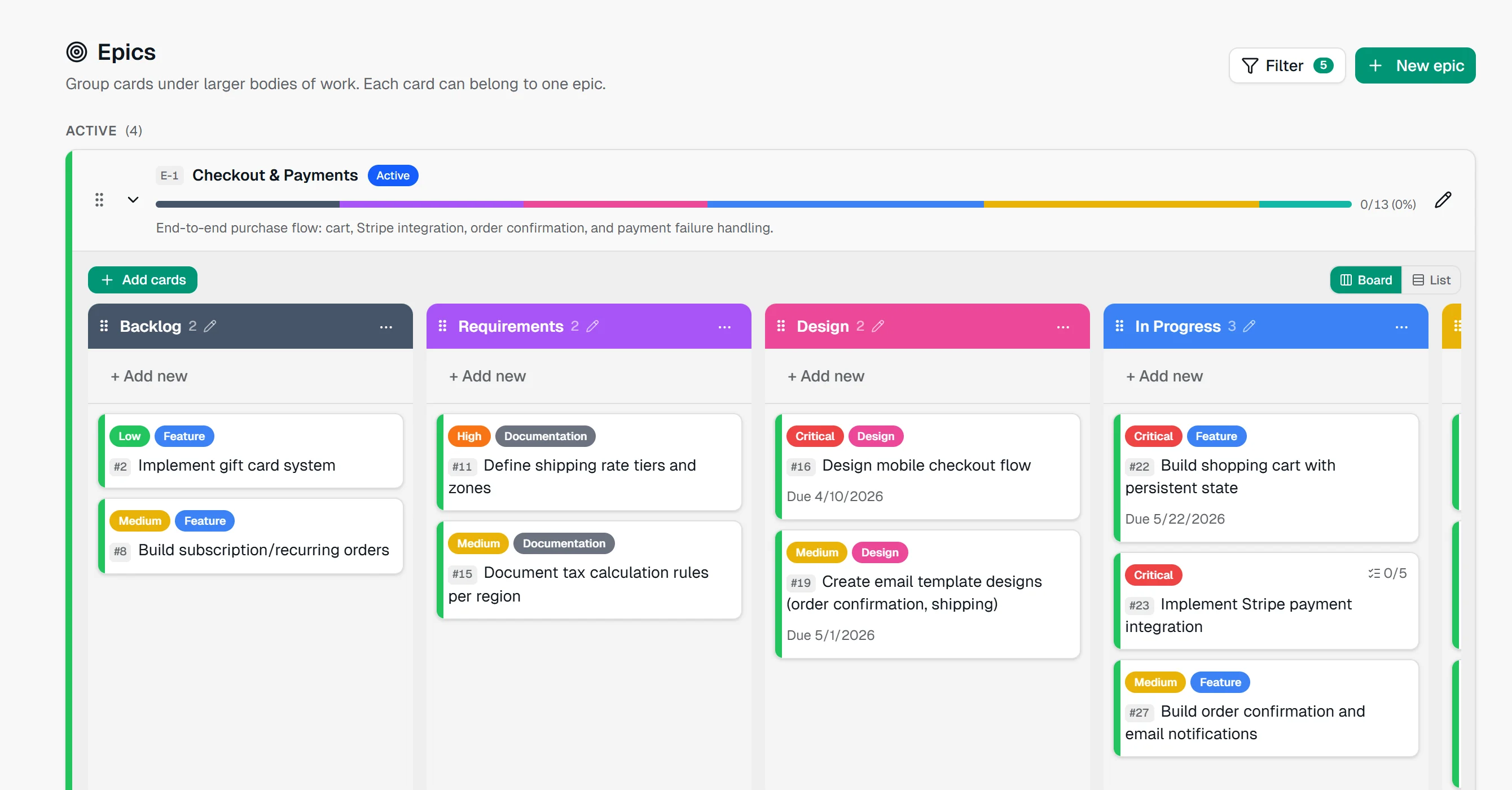
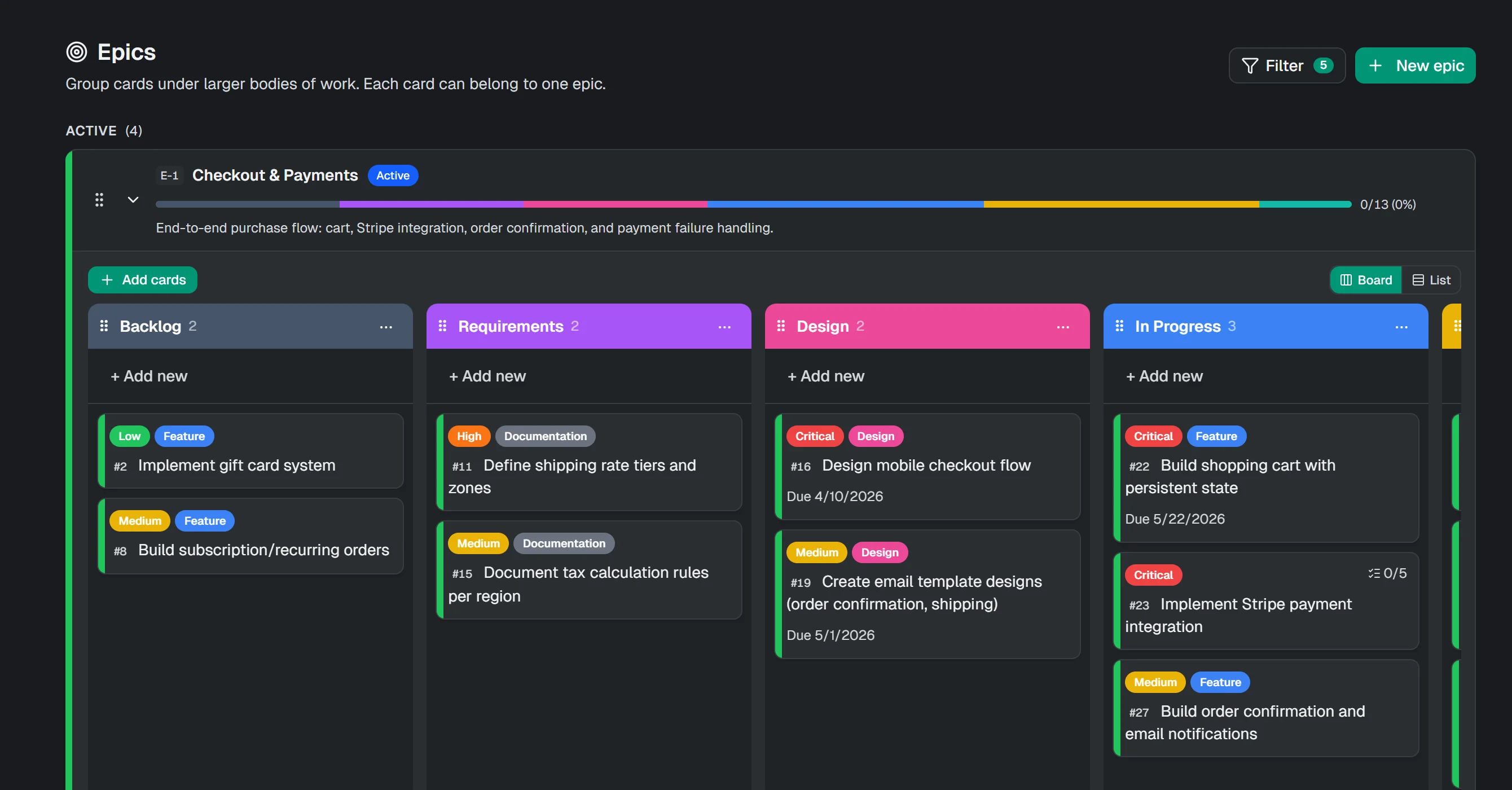
Each epic shows its progress across every list. Open one to work on just its cards, as a board or a list.
AI assistant and MCP built in
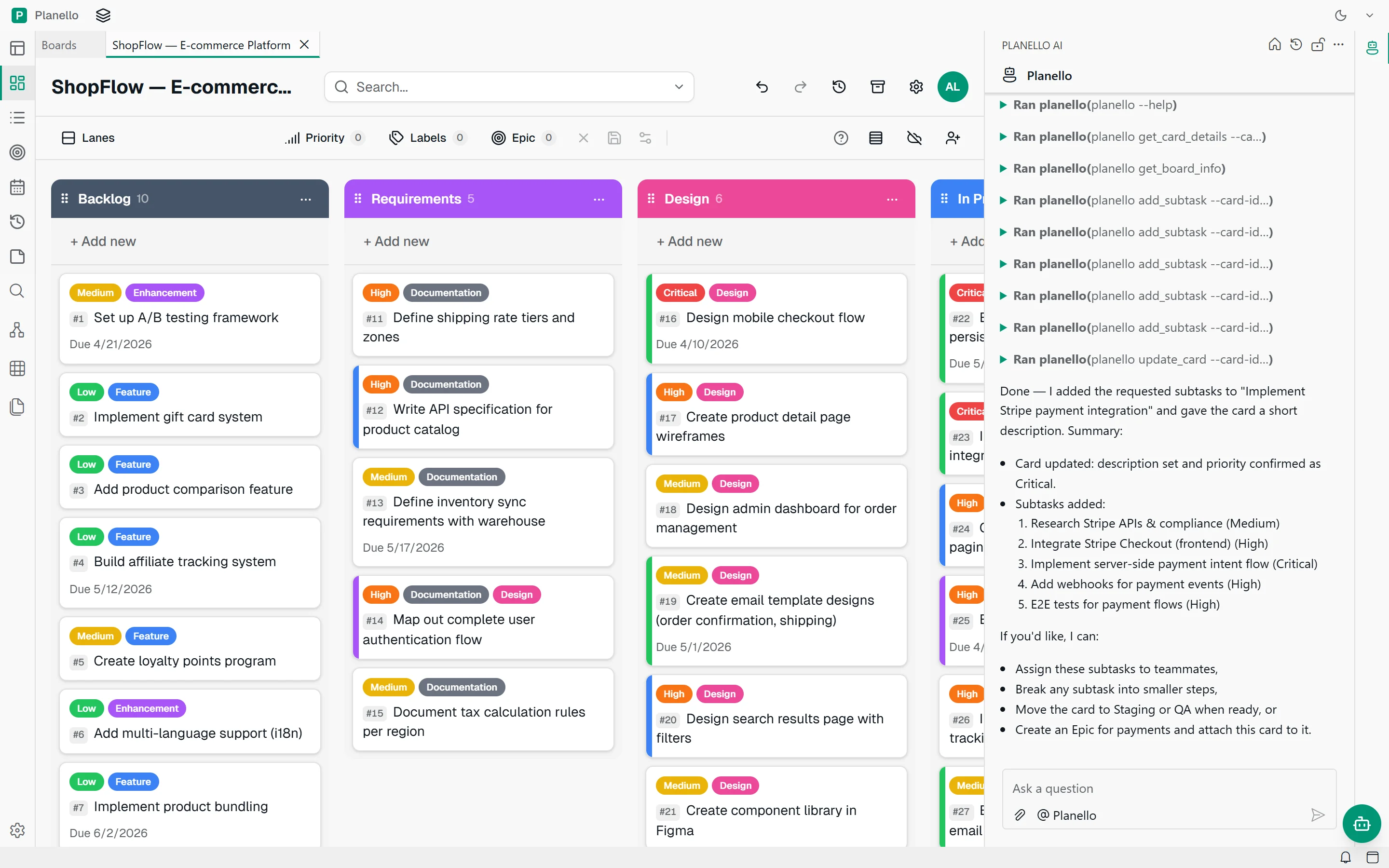
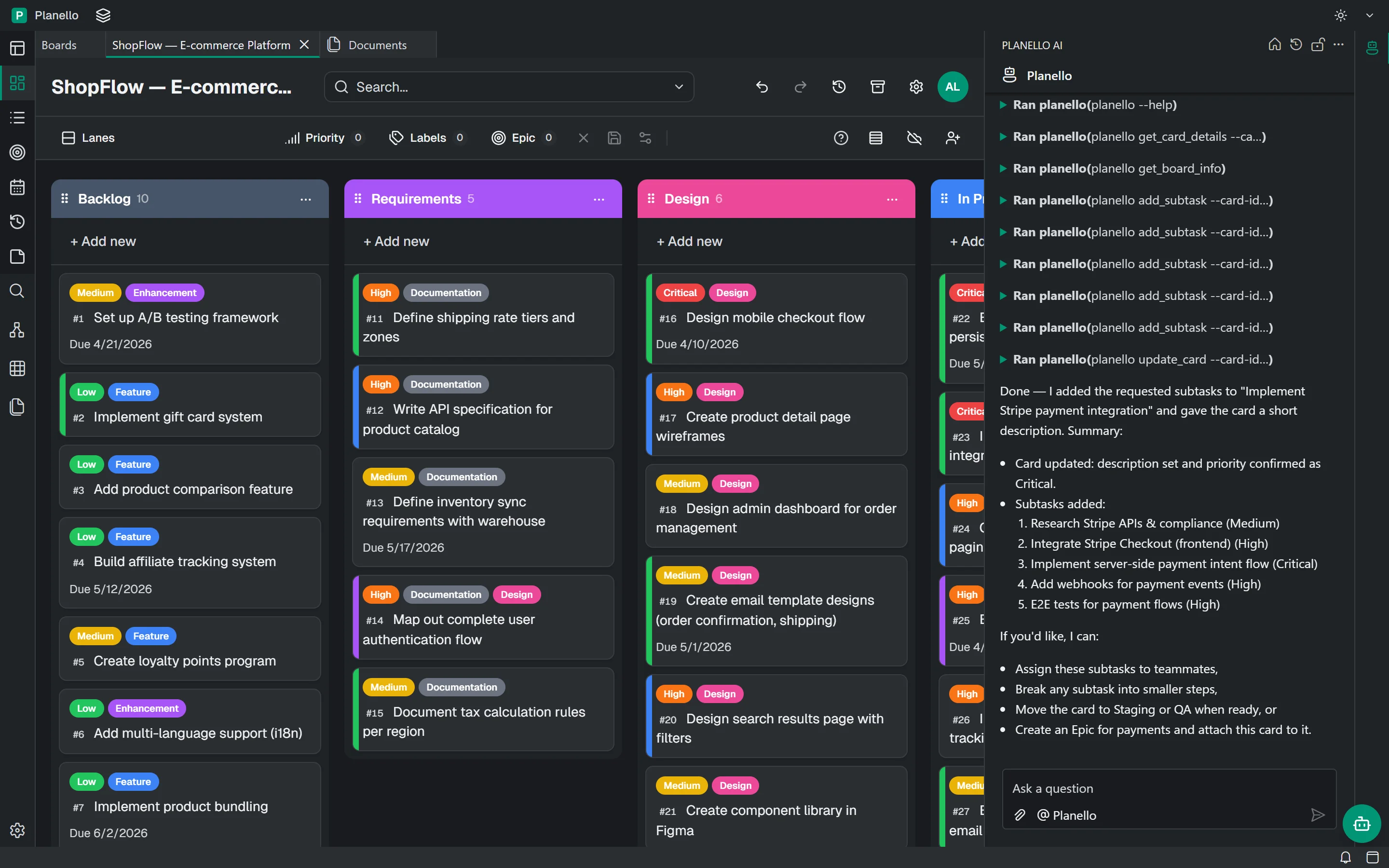
Boards, epics and documents in one local-first workspace that opens instantly and keeps up with every click. Planello AI creates, breaks down and moves cards for you, and coding agents like Claude Code and Codex work on the same board.
Works with the tools you already use
Built for busy teams
Planello covers the whole project, from the first idea to release: boards for the day-to-day, epics for the big picture and documents for the thinking in between.
Try it with the demo boardLists, swimlanes, labels and priorities, with list and calendar views when columns aren't enough.
Group cards into epics and see how far each one has come, list by list.
Mark what blocks what, link related work, and spot stuck cards before they slow you down.
Specs and notes in Markdown, with folders, tags, uploads and links between documents.
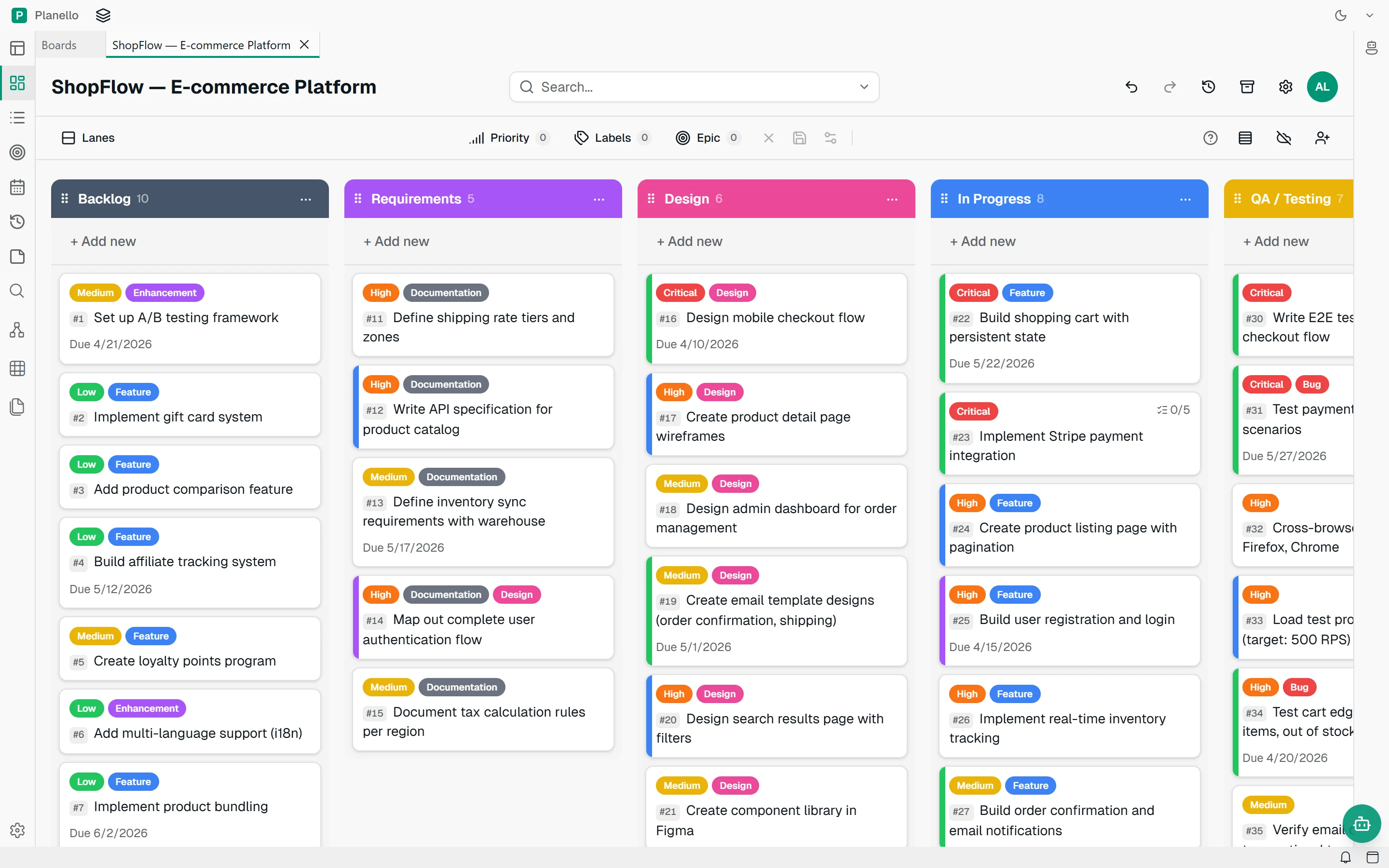
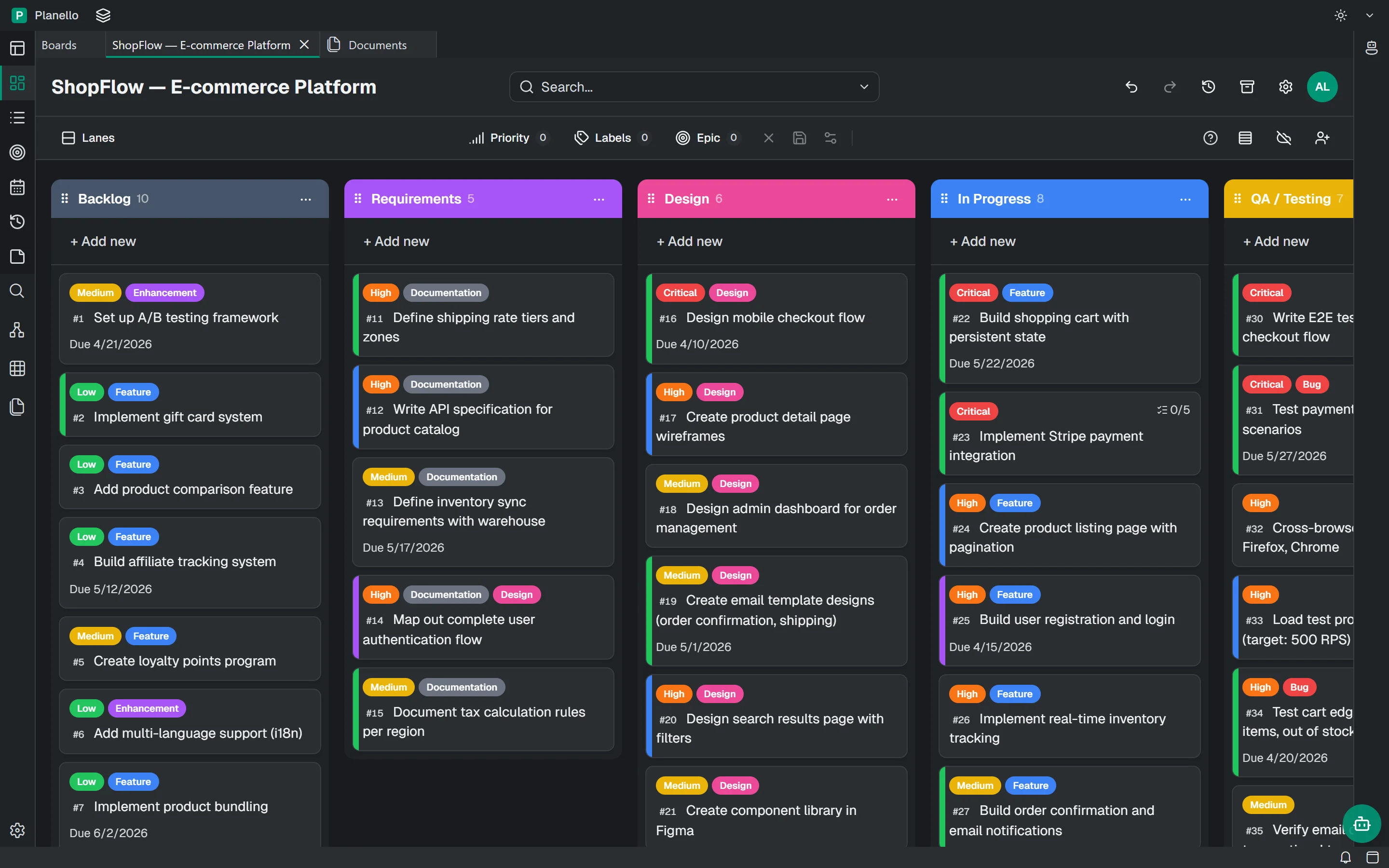
Kanban
Every card has a number, a priority and a place. Filter by priority, label or epic, and undo anything with one click.
AI that works on the board
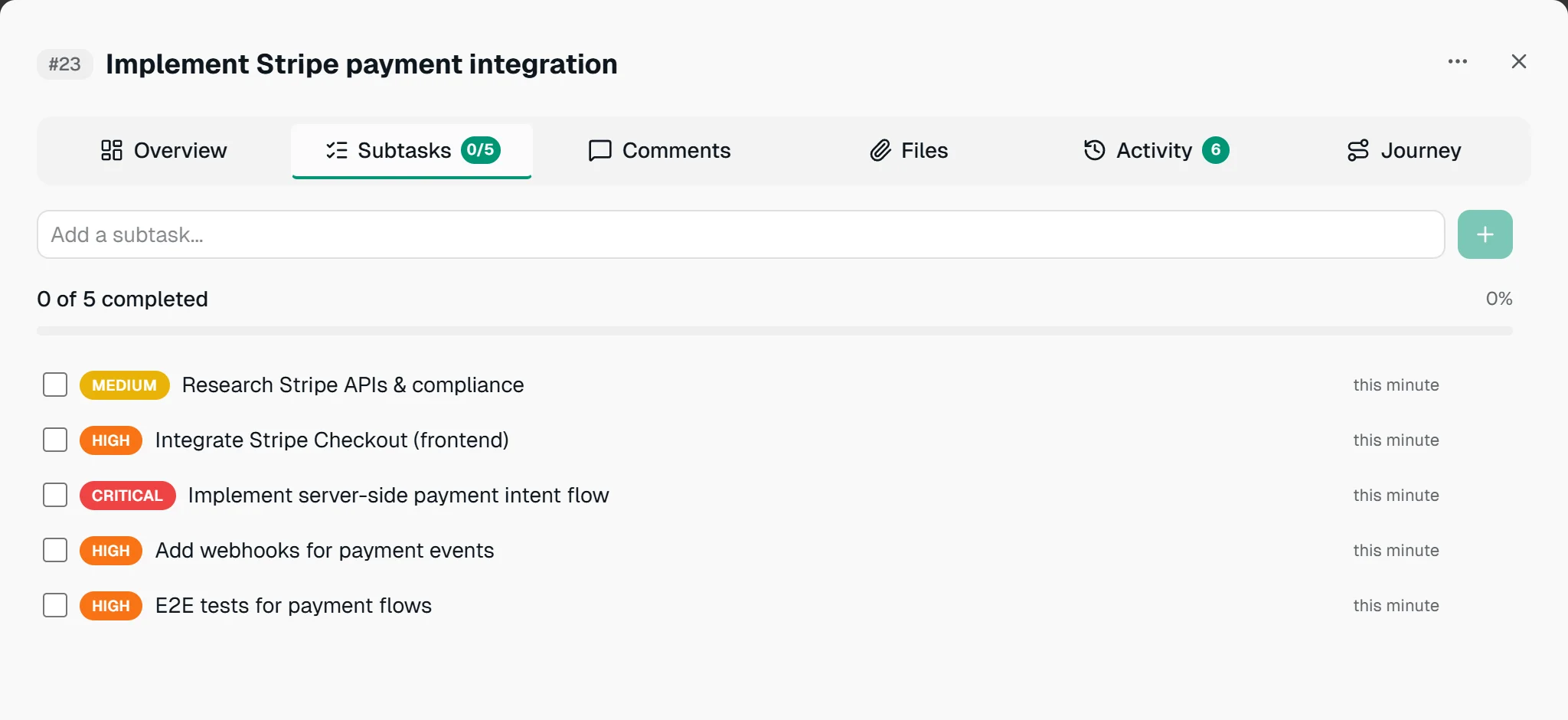
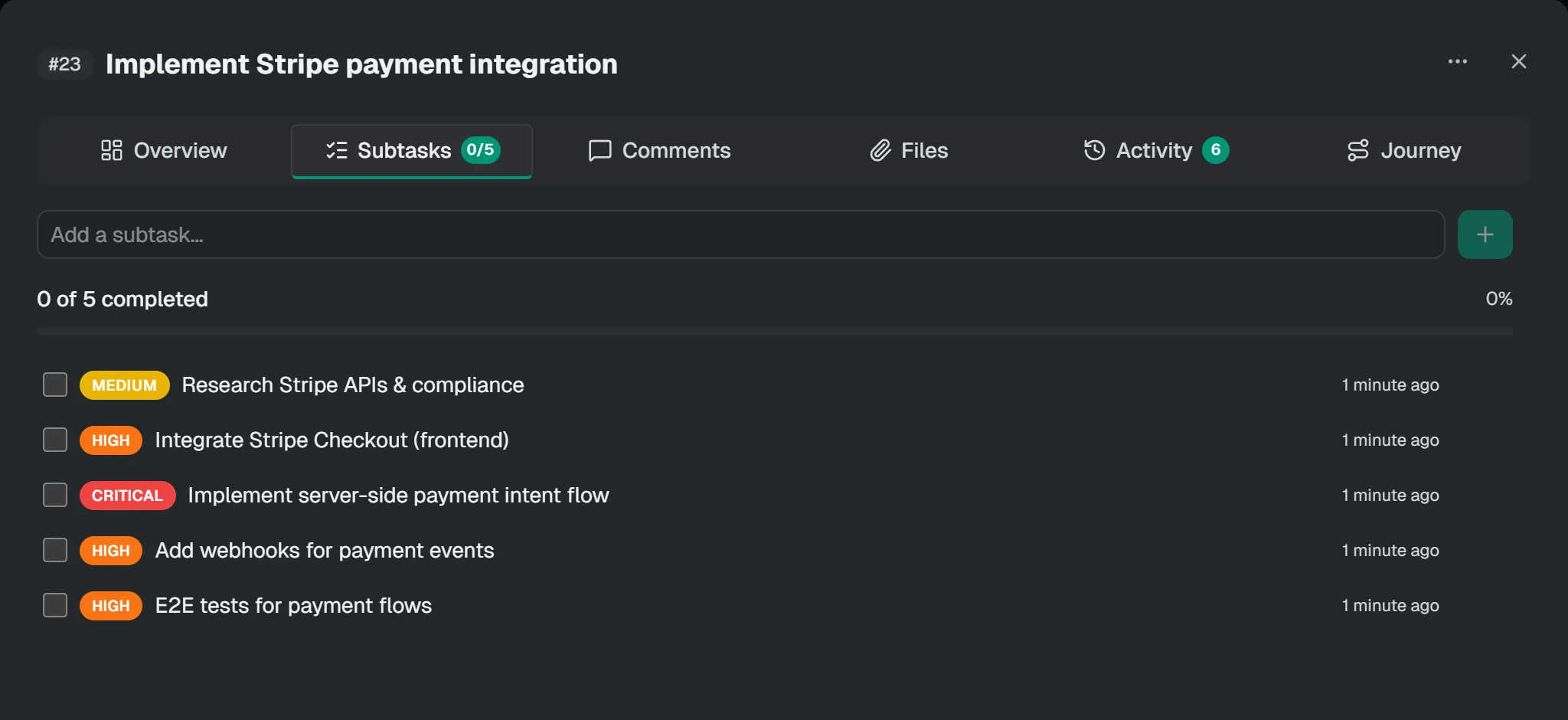
Ask in plain language and Planello AI does the work on the board. It reads cards, writes descriptions, breaks features into subtasks and moves cards for you. Mention any card with
# to give it context.
claude · ~/shopflow
> The checkout bugs in QA need another pass. Move them back to In Progress and add a repro step to each.
planello · search_cards labels: Bug · list: QA / Testing
planello · batch_move_cards 2 cards → In Progress
planello · add_subtask #31 · Reproduce on staging
planello · add_subtask #34 · Reproduce on staging
Done. #31 and #34 are back in progress, each with a "Reproduce on staging" subtask.
Agents and MCP
The desktop app runs an MCP server, so Claude Code, Codex and any other MCP client can search, create and move cards while they work. Your plan stays current without copying status updates by hand.
Planello CLI · token saver
Planello AI and connected agents work through a single planello command instead of a long list
of tools. Every request carries a fraction of the instructions, so answers come back faster and your AI subscription lasts longer.
--helpplanello · ShopFlow
$ planello search_cards --query checkout --fields title | head -3
- cardId: c16 | "Design mobile checkout flow"
- cardId: c30 | "Write E2E tests for complete checkout flow"
- cardId: c34 | "Test cart edge cases: expired items, out of stock during checkout"
$ planello search_cards --due-date overdue --fields title | wc -l
3
Extensions
Planello is built to be extended. Install extensions from the Open VSX marketplace right in the desktop app, or build your own module and add exactly what your team needs.
Browse and install VS Code-compatible extensions from Open VSX, the open extension registry: languages, themes, Git tools and more, without leaving Planello.
GitLens
See who changed what, right next to your code
Prettier
Code formatter
ESLint
Find and fix problems in JavaScript
Python
Language support, linting and debugging
The Planello module SDK lets you add board views, card tabs, filters, toolbar buttons, settings and AI tools. Epics, swimlanes and dependencies are modules too.
time-tracking/src/index.ts
import { definePlanelloModule } from '@planello/module-sdk'
import { Timer } from 'lucide-vue-next'

export default definePlanelloModule({
  id: 'time-tracking',
  name: 'Time tracking',
  icon: Timer,
  category: 'tracking',
  contributions: {
    // A new view next to Board, List and Calendar
    viewModes: [{
      id: 'timesheet',
      routeKey: 'timesheet',
      label: 'Timesheet',
      icon: Timer,
      component: () => import('./Timesheet.vue'),
    }],
  },
})Epics and documents
Each epic shows its progress across every list. Open one to work on just its cards, as a board or a list.
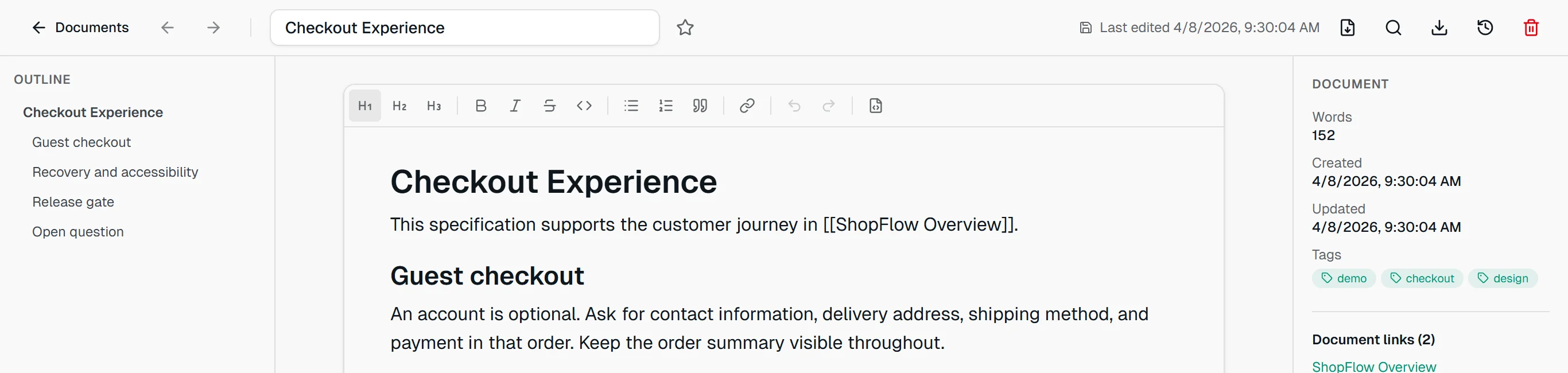
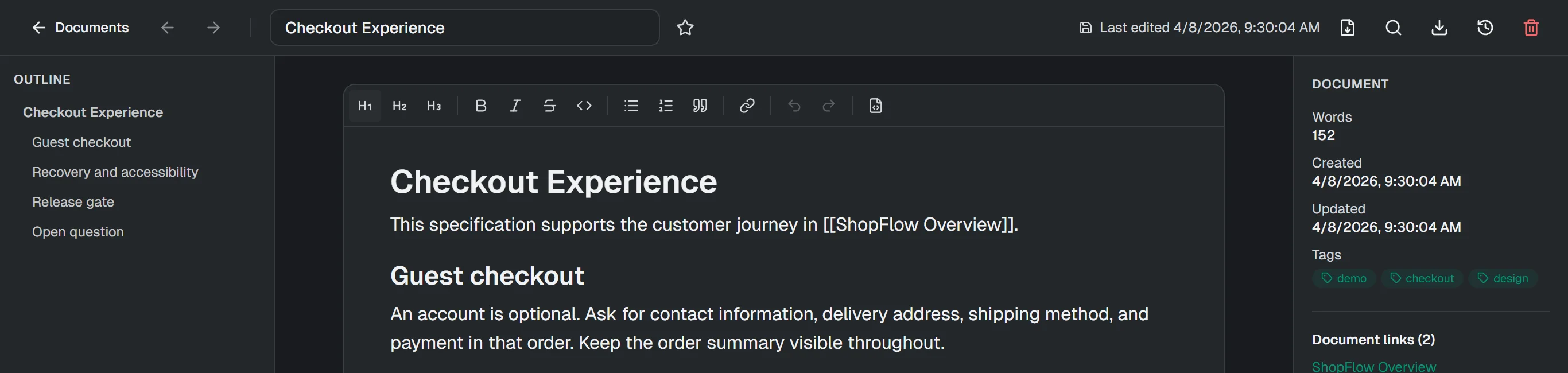
Write specs in Markdown with an outline, tags and folders. Documents link to each other, and each one shows what links back to it.
Everything runs on your device, so boards open instantly and cards move the moment you drop them. No waiting on a server.
Boards are saved on your device, so you can start right away. Export any board to a file whenever you like.
Keep clients, teams and side projects apart, and open each workspace in its own tab.
Type # to mention a card in chat, and open it from the conversation with one click.
Browser or desktop
Start in the browser with nothing to install. The desktop app runs the same Planello and adds everything that needs your computer.
Nothing to install
Windows, macOS and Linux
Questions
Yes. Planello is free to use, in your browser and as the desktop app. It is copyrighted software, not open source; the legal page has the details.
No. Open Planello and start a board, or begin with the ShopFlow demo. You can sign in later.
On your device: in your browser's storage when you use Planello on the web, and on your computer in the desktop app. You can export any board to a file as a backup.
Planello AI is built into the browser version, with nothing to set up. The desktop app can also use your Claude or Codex subscription, and its MCP server lets coding agents such as Claude Code work on your boards.
Project folders, Git and a terminal, the MCP server for AI agents, Claude and Codex subscriptions, and automatic updates.
Yes. The desktop app installs VS Code-compatible extensions from the Open VSX marketplace, and with the Planello module SDK you can build your own modules: new board views, card tabs, filters, toolbar buttons, settings and AI tools.
Yes. Export a board to a file and import it in Planello on the other device.
Take a break
Draft cards from the backlog, build combos on a three-lane board and ship them before the clock runs out. Easy. Until things stop going according to plan.

 Planello
Open Planello in your browser and start with the demo board. It takes a few seconds, and it's free.