
Data
- Stat tiles
- Bar, line and area charts
- Donut charts
- Data tables
- Tables
- Progress bars
Planello Views
Coming soonDescribe the screen you need and Planello AI builds it from your boards, epics, documents and agents. Stats, charts and tables that update the moment a card moves, arranged exactly how you like. Coming soon to Planello, in the browser and on desktop.
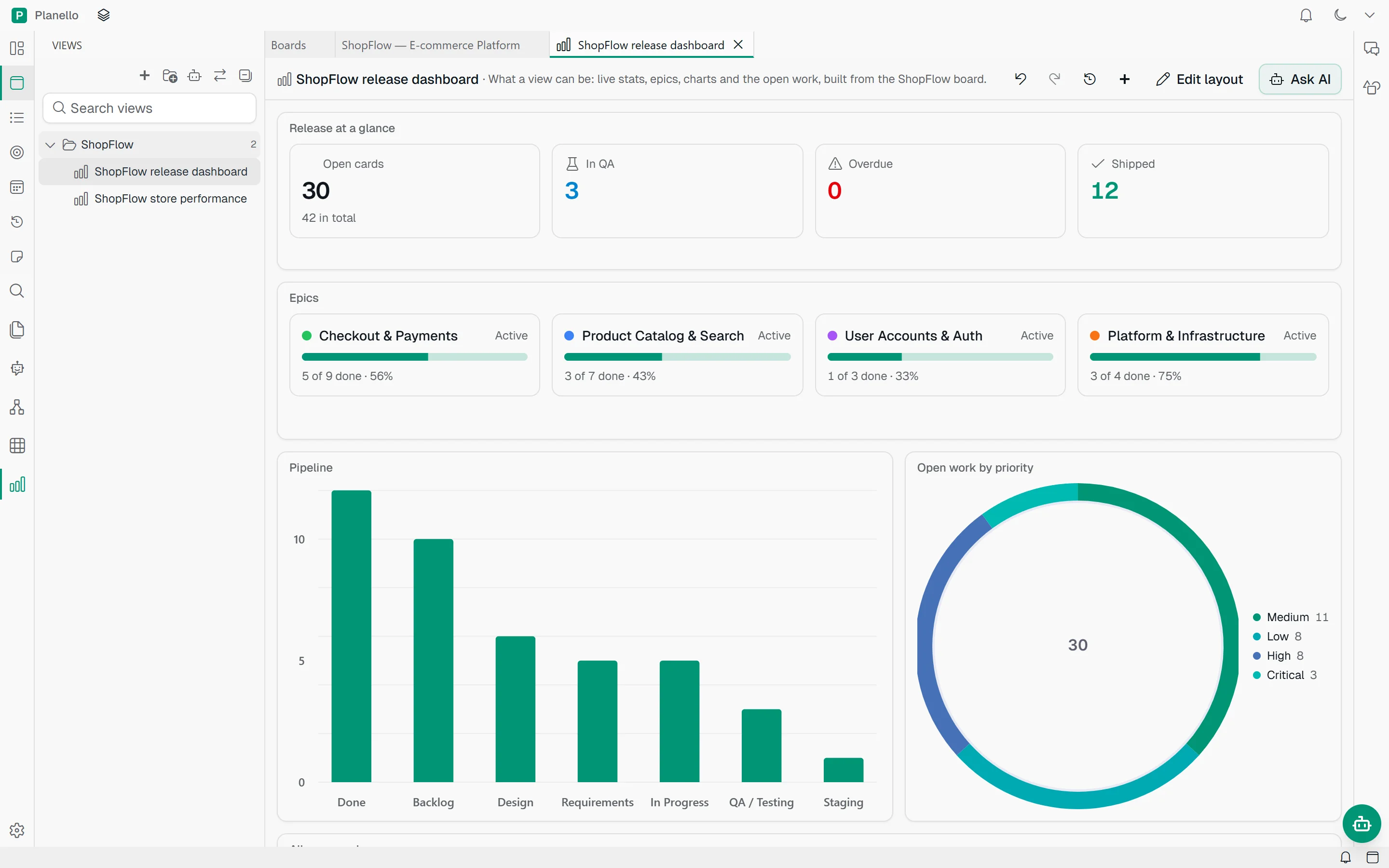
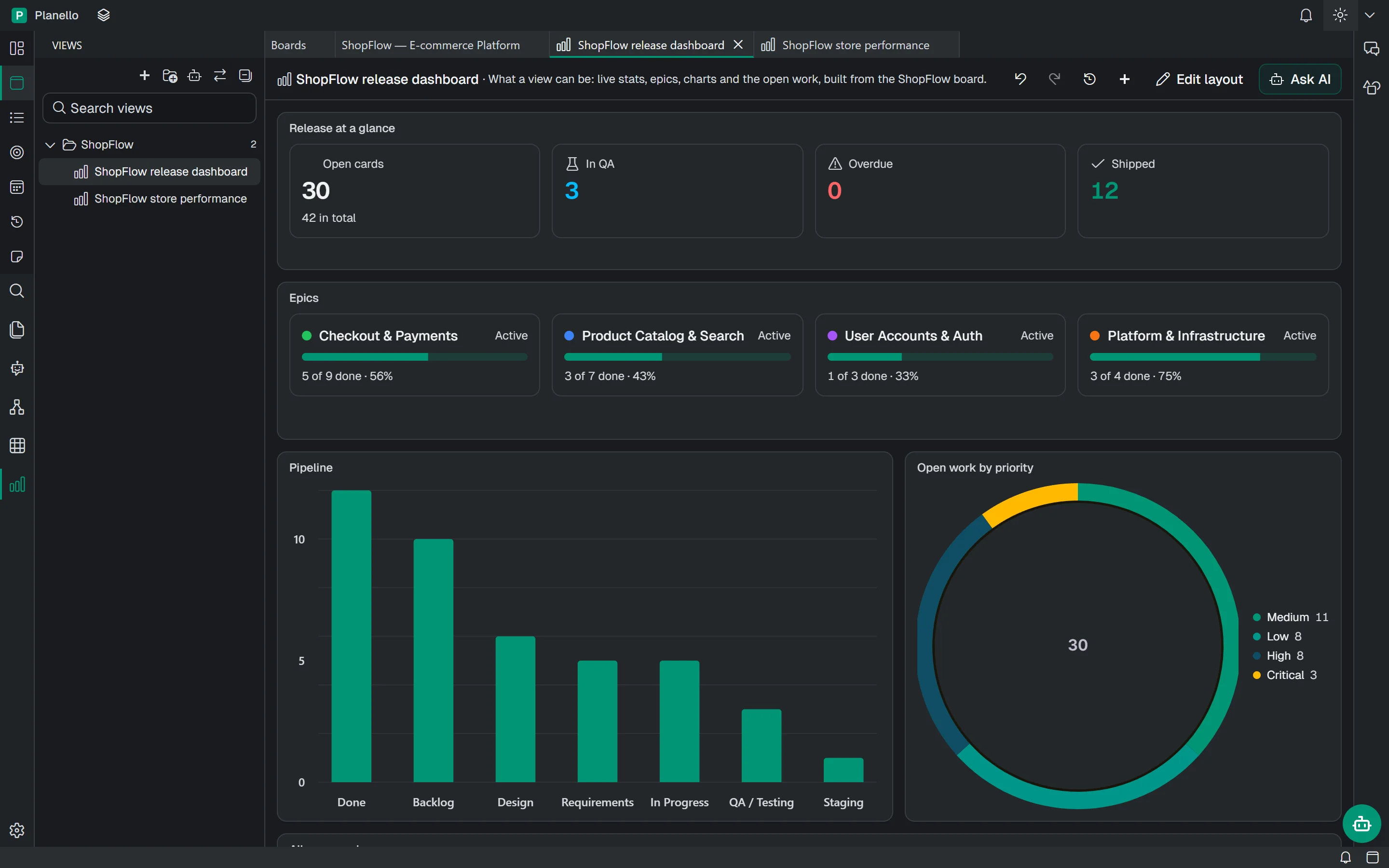
Preview of a feature in development. Details may change.
How it works
Views adds a new space to the sidebar, next to your boards and documents. Ask the assistant for a view, or start from a template, and keep as many as you need, sorted into folders.
Planello AI
You
Build a release dashboard for ShopFlow: what's open, the pipeline and what's due this week
Planello
Ran planello(planello views_guide)
Ran planello(planello build_view --title "Release…)
Ran planello(planello get_view_diagnostics --vi…)
Done. "Release dashboard" is open: the release at a glance, the pipeline by list and this week's due cards, live from the board.
Release at a glance
Pipeline
Due this week
"Show me what's blocking the checkout release." Plain language is enough, and the assistant asks when it needs more.
The view opens right away and fills in block by block, built from Planello's own components and wired to your real data.
Drag and resize blocks, add more from the component library, or ask for changes like "make the chart weekly".
Live, not a snapshot
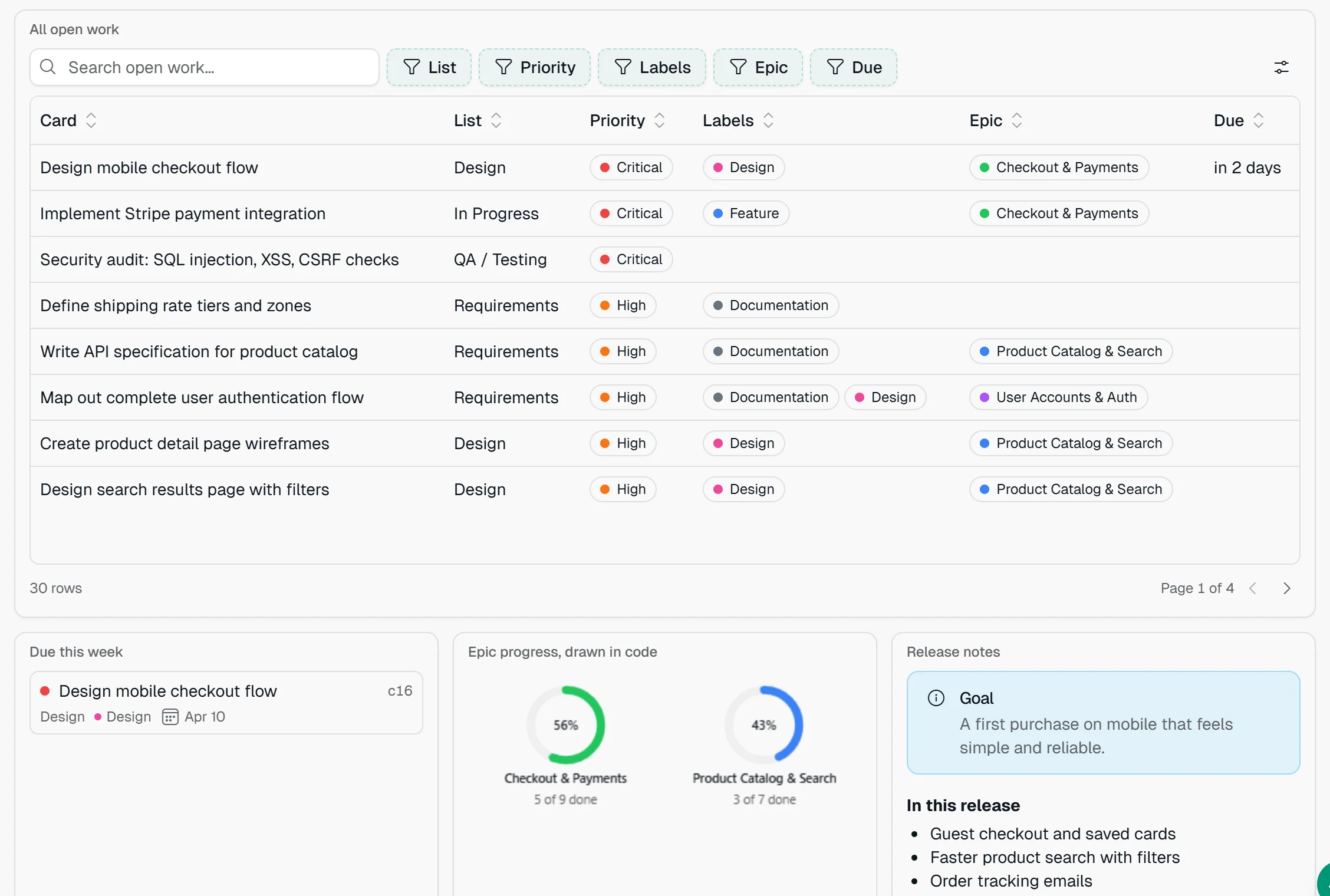
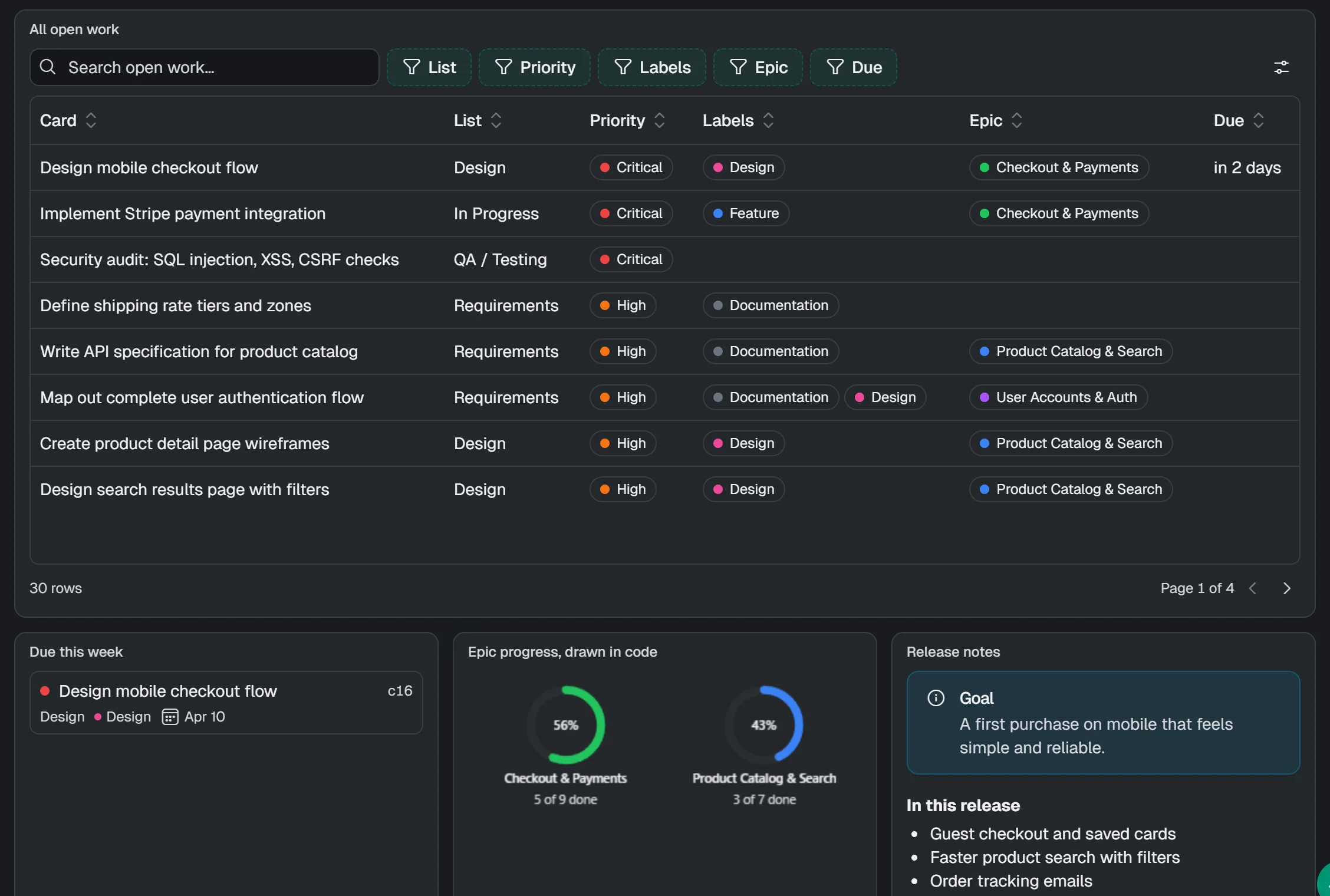
Views read your workspace directly, so there's nothing to refresh and nothing to sync. Finish a card on the board and the stats, charts and tables that show it change the same moment. Click any card in a view to open it.
#23Implement Stripe payment integration
#22Build shopping cart with persistent state
Due 5/22/2026
#24Create product listing page with pagination
#40Set up monorepo with Turborepo
#41Configure CI/CD pipeline (GitHub Actions)
Release at a glance
Epics
Pipeline
Release at a glance
Due this week
Open work by priority
Pipeline
Your layout
Every view is a grid of blocks. Press Edit layout to drag them around, resize them and drop in new ones, then press Done. On a narrow screen the blocks stack into one column.
Component library
Views are made from the same building blocks as Planello itself, so every view looks at home in light and dark mode. No stray colors, no broken layouts.
Beyond the board
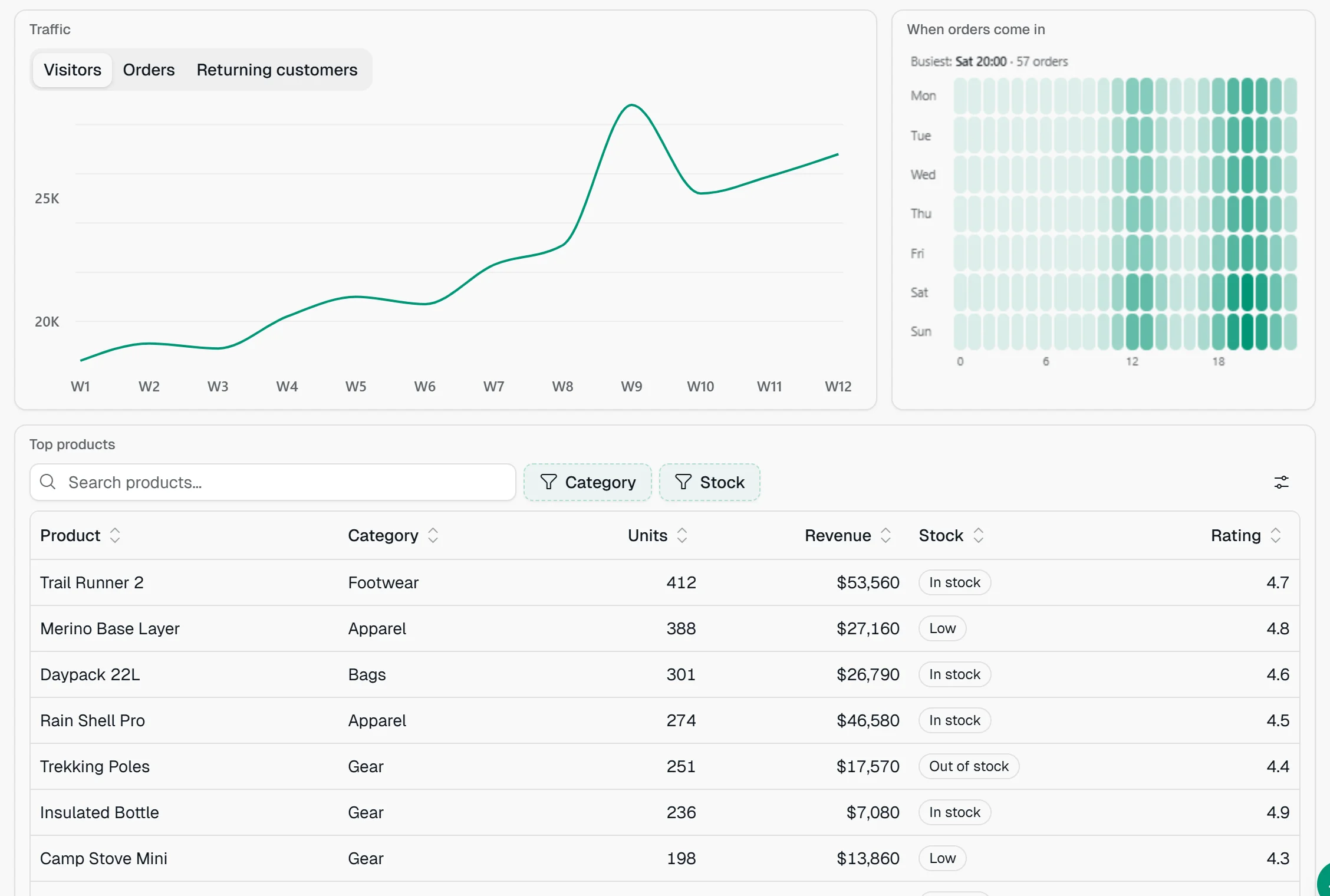
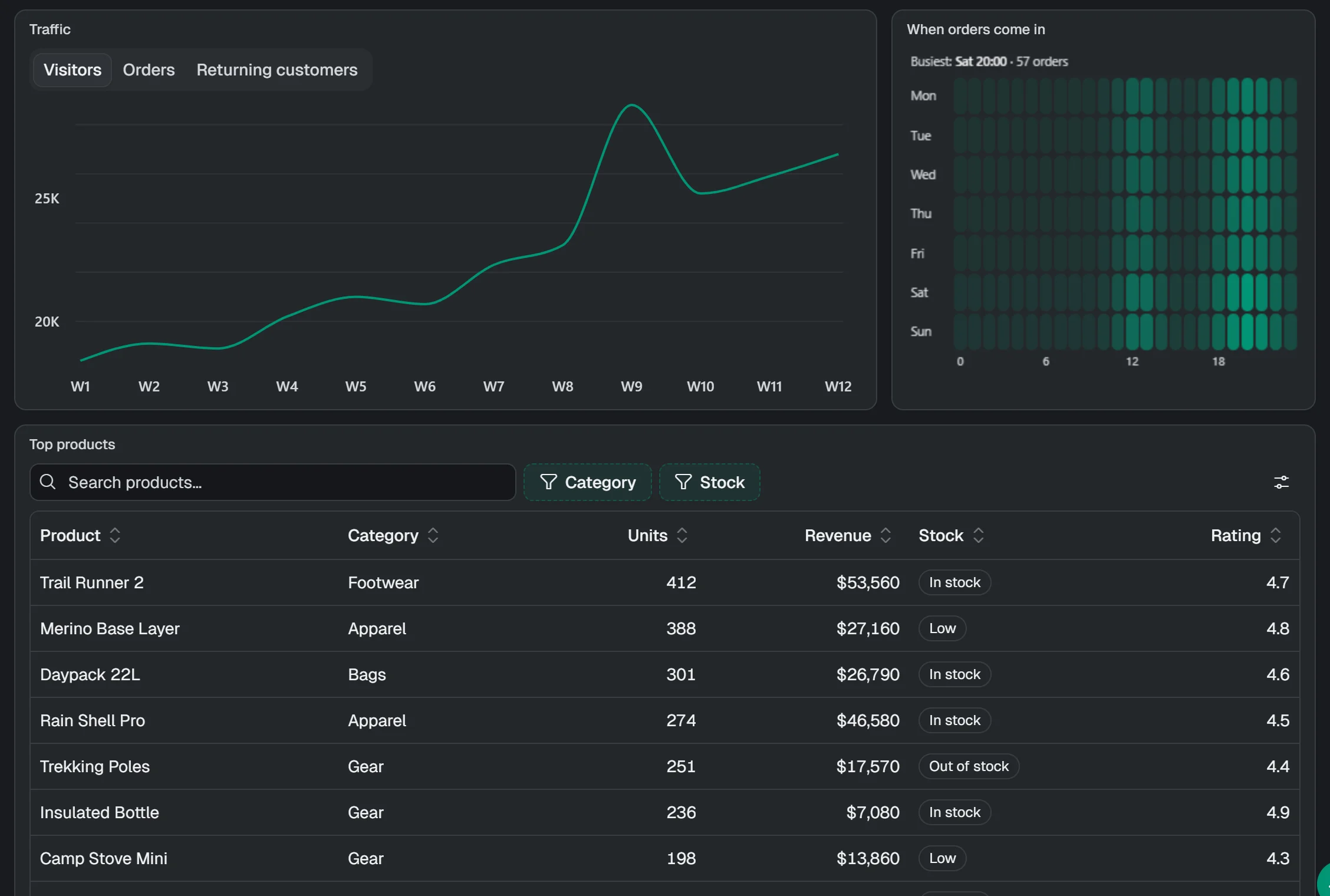
A view isn't limited to cards. The ShopFlow demo will come with a store performance view: revenue, orders by region and channel, a checkout funnel and the best-selling products, with charts grouped into tabs.
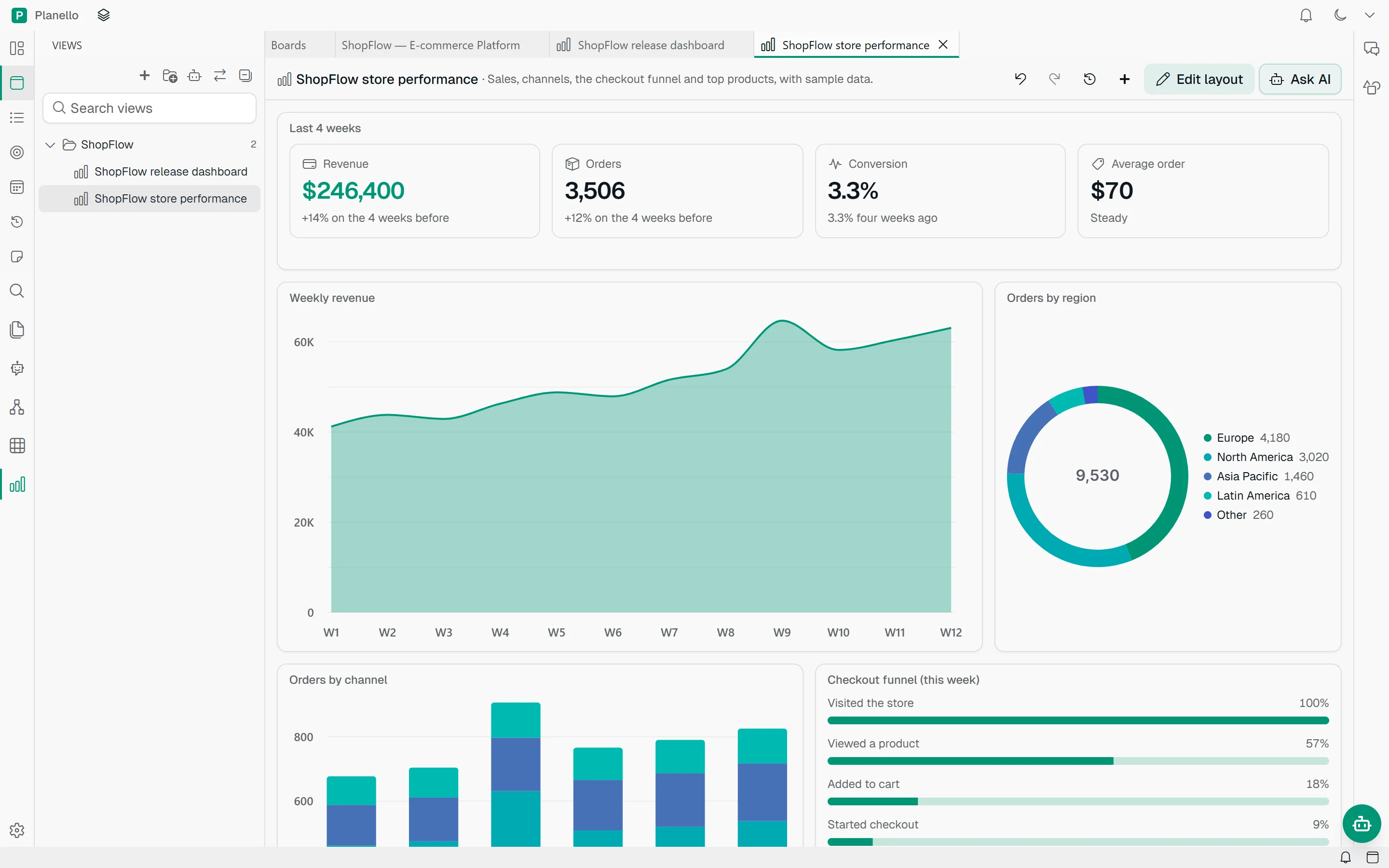
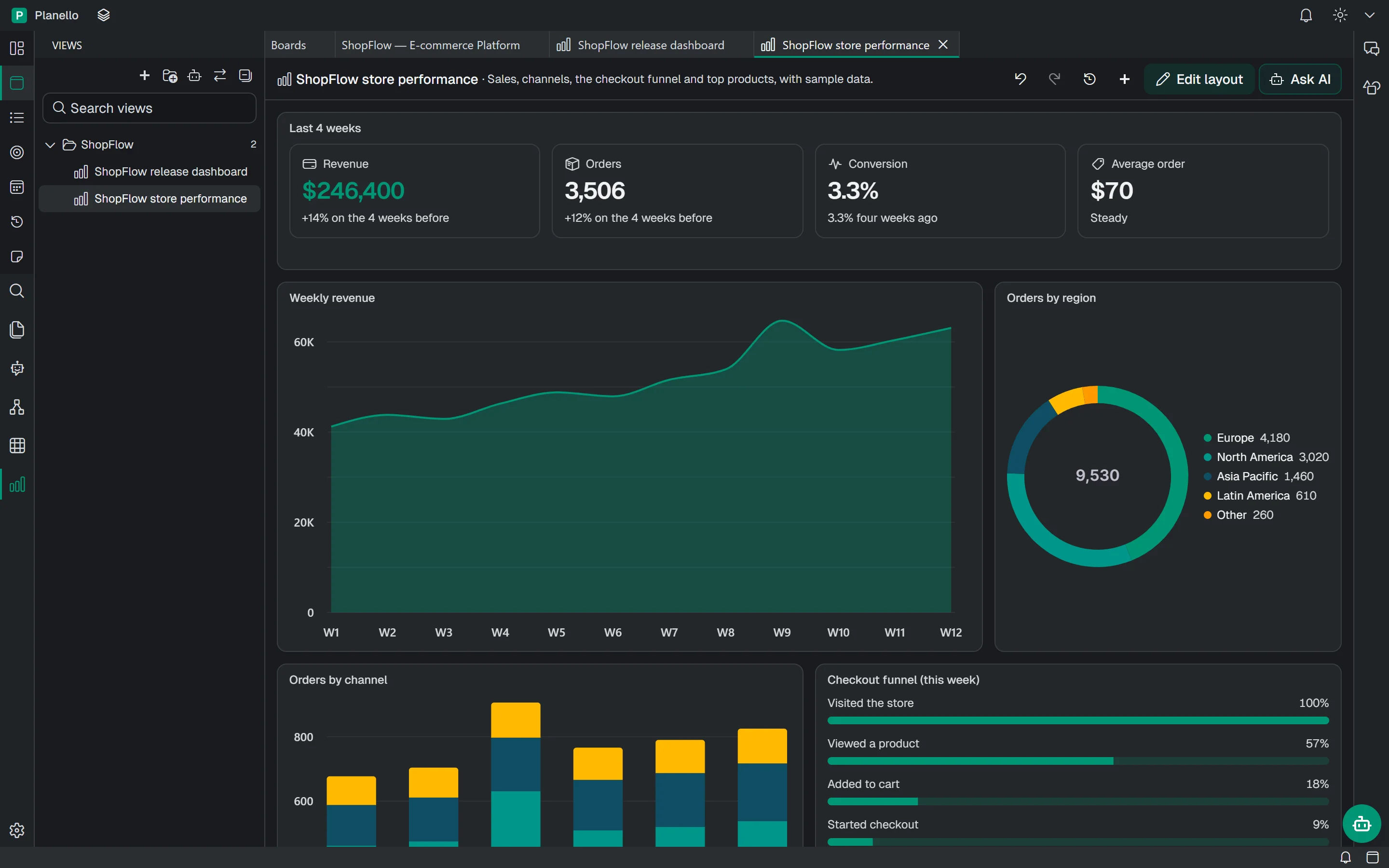
Data from outside Planello
Point a view at your shop's sales API, a metrics endpoint or a published spreadsheet. Planello fetches the data and keeps it fresh while the view is open, as often as you choose.
Orders
Orders per hour
{
    "source": "web",
    "params": {
      "url": "https://api.shop.example/orders/today",
      "refreshSeconds": 60,
      "secret": "shop-api"
    }
  }
Powerful and safe
A view can look at your workspace from the start. Anything more, like changing cards, running agents or fetching from the web, waits until you say yes.
A button that adds or moves cards asks for your permission once, with a reason, and you can say no.
For something no component can draw, the AI writes a small component of its own. It runs in a sealed sandbox with no internet access.
Each change, yours or the AI's, is saved as a version. Look back through the history and restore any of them.
Views are saved with the rest of your workspace, on your device, like your boards and documents.
Works with your AI
Planello AI builds views in the browser with nothing to set up. In the desktop app, your Claude or Codex subscription can build them too, and so can coding agents connected over MCP, for instance to leave a report behind when they finish a job.
Questions
No. You describe what you want and the assistant builds it. You can change the layout with your mouse and the details in the inspector, without touching any code.
Yes. Views will work in the browser and in the desktop app. Saved API keys for web data need the desktop app, because they're kept in your computer's keychain. In the browser, web data comes from addresses that allow it.
As many as you like. Sort them into folders in the Views panel, and open several side by side.
Only if you allow it. A view can show anything in your workspace, but adding, moving or editing cards needs your permission first, and so do running agents and fetching web data.
Views is in development and coming soon. Planello is free, so you can start planning today: when Views arrives, your boards are ready for it, and the ShopFlow demo board will come with two finished views to explore.
Views is on its way. Start with Planello today, free, and your boards will be ready when it arrives.