
Planning
- Cards
- Epics
- Lists of cards
- Spreadsheet cells
- Values and metrics
Planello Canvas
Canvas is an infinite board for your whole workspace. Put live cards, epics and documents next to notes, images and links, connect what belongs together, and create images, video and sound with AI right where you plan.
AI images, round by round
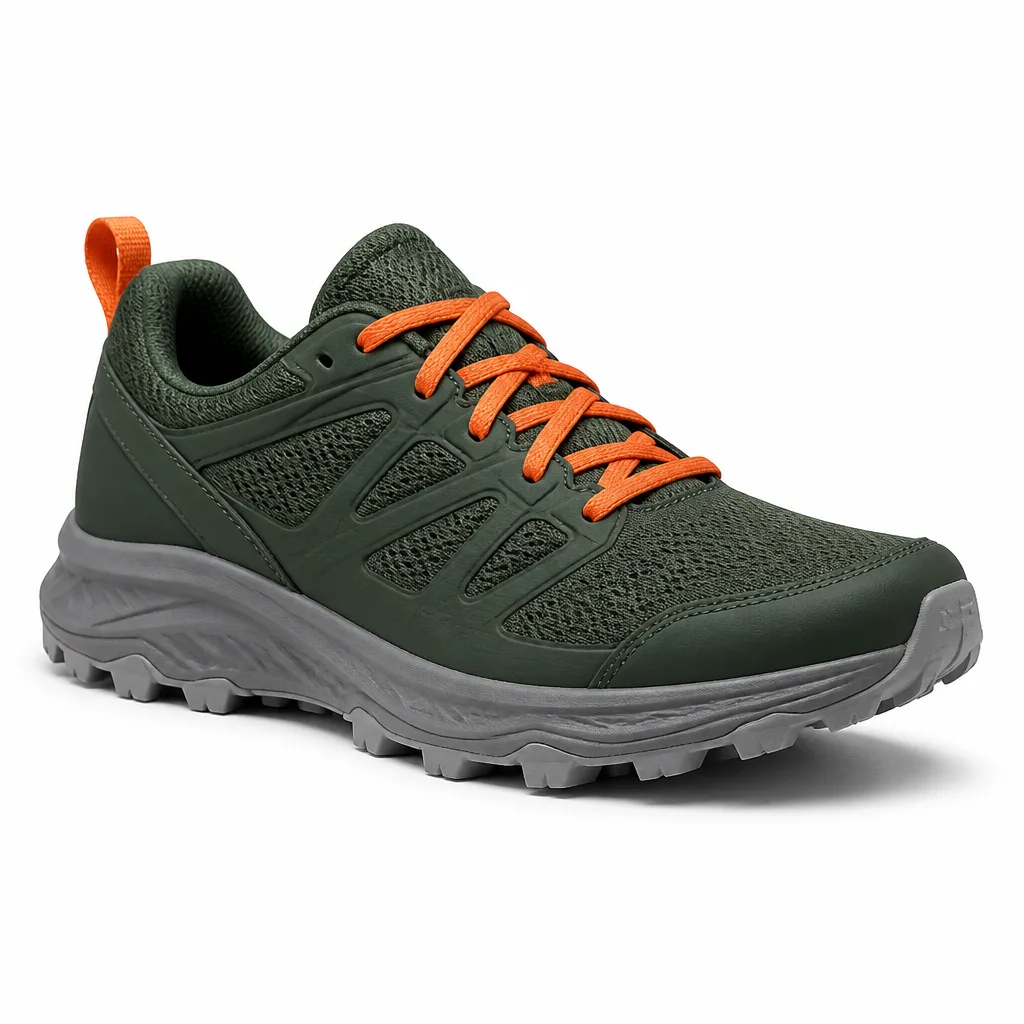
Connect a product photo and the card it's for to an AI Image node, describe what you want and generate. Like the result? Press Iterate: Planello adds a new node that uses it as its reference, so every round builds on the last, and the whole history stays on the canvas.

References1 of 1 used
Generate product shot for new shoe
Put the shoe on a flat rock on a forest trail at sunrise, soft mist

References1 of 1 used
A runner wearing these shoes mid-stride on that trail, low angle

References1 of 1 used
Turn this into a wide homepage banner, with room for a headline on the left
Example images: the product photo went in, and each round used the one before as its reference.
Live from your boards
Cards, epics and lists of cards on a canvas are live. Move a card on the board and its node shows the new list, the epic's progress moves with it, and a double-click opens the card. Canvases belong to the workspace, so one canvas can bring together any of your boards.
#23Implement Stripe payment integration
#22Build shopping cart with persistent state
Due 5/22/2026
#40Set up monorepo with Turborepo
Nodes for everything
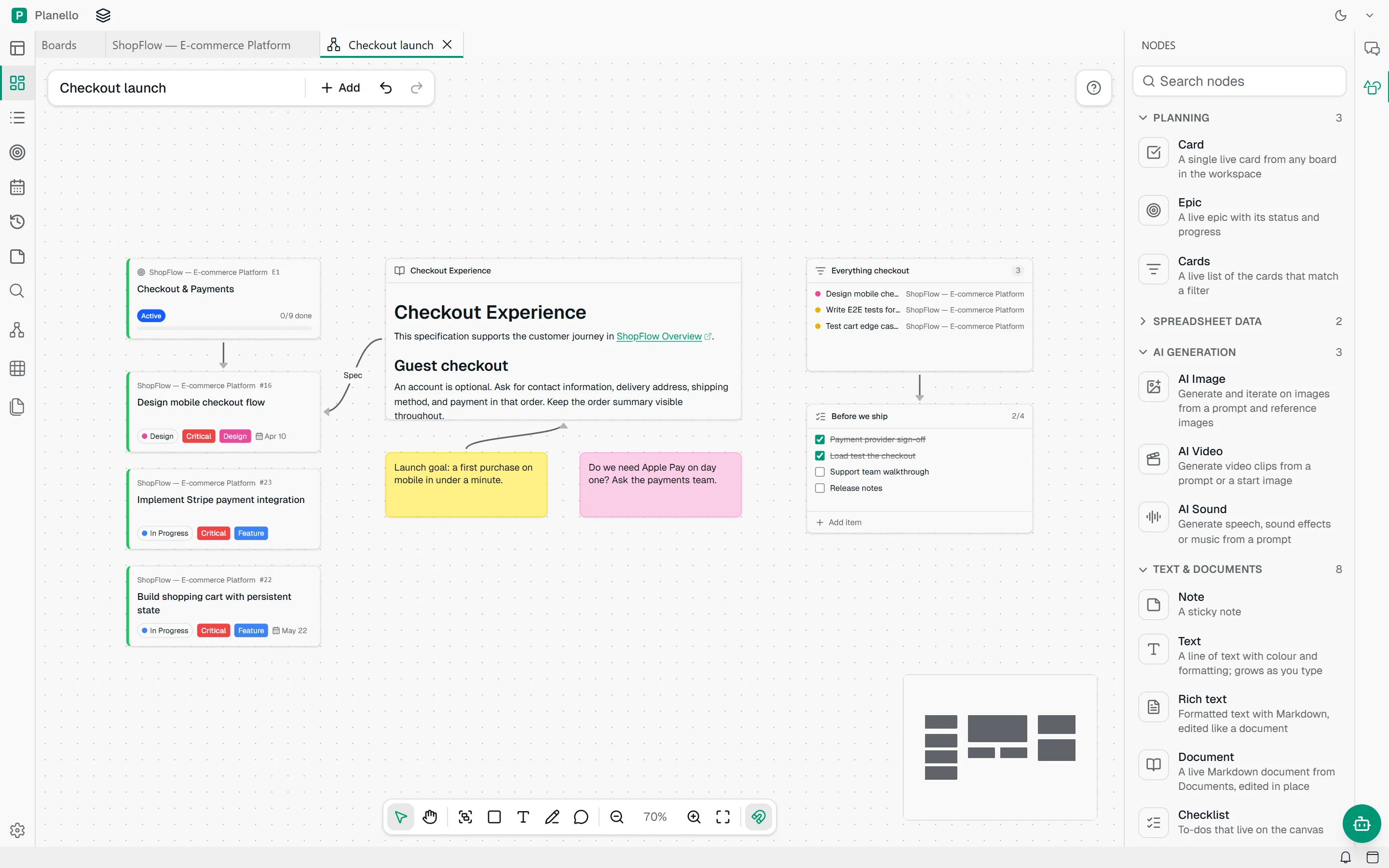
Drag nodes in from the Nodes panel, or just paste: a link becomes a link node, a file becomes media. Draw shapes and arrows, sketch with the pencil, and group what belongs together.
Images, video and sound
Pick a model in each AI node. Planello talks to the provider directly with your key, so you pay the provider's price and nothing more. Connect an image to an AI Video node and it becomes the first frame.
Works with your AI
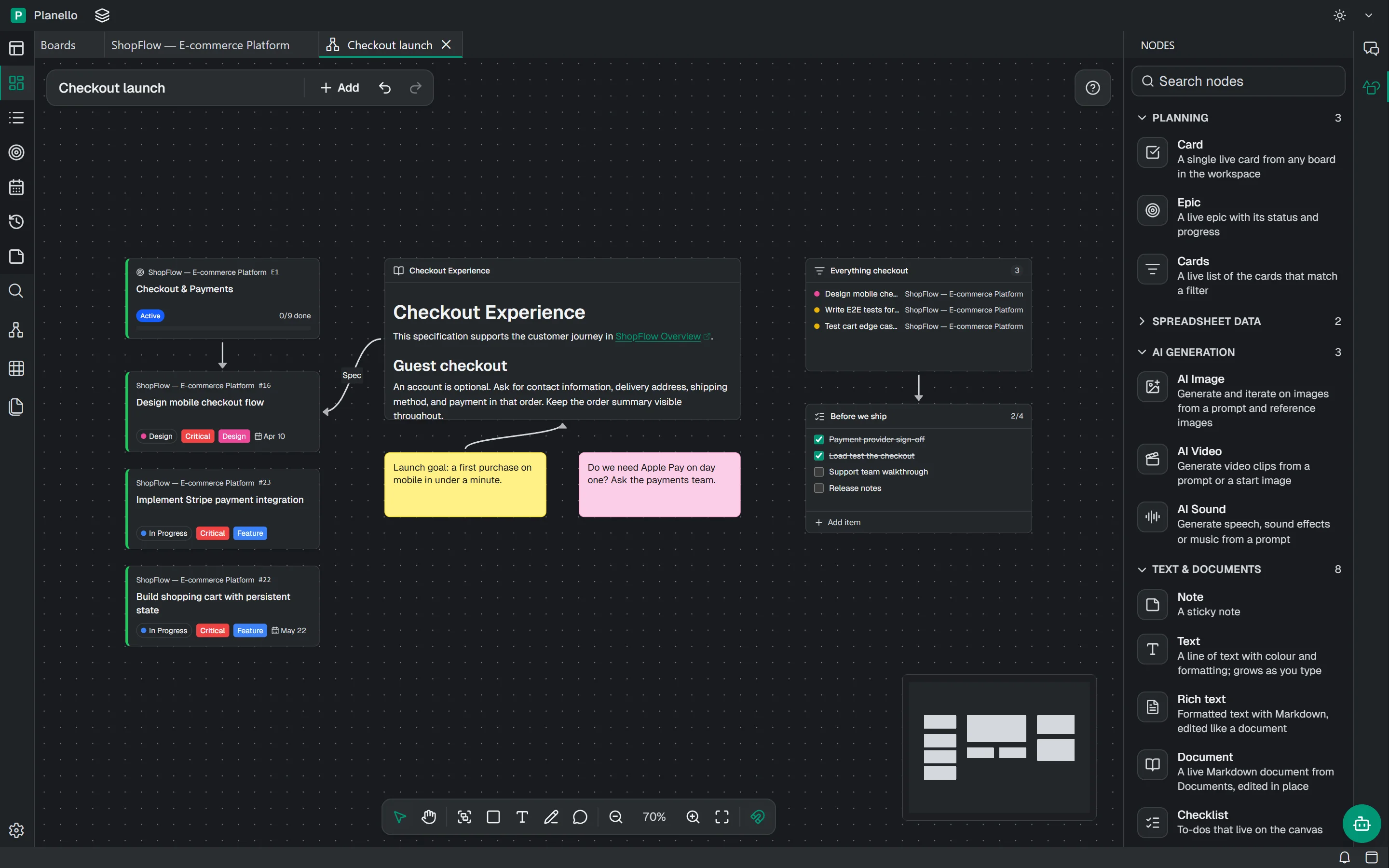
Planello AI can build canvases for you: it adds and connects nodes, arranges and groups them, and looks at a picture of the result to check its work. Your Claude or Codex subscription and agents connected over MCP can do the same.
Planello AI
You
Lay out the checkout launch on a canvas: the epic, its critical cards and the spec
Planello
Ran planello(planello create_canvas --title "Checkout…)
Ran planello(planello add_canvas_nodes --nodes [{"ty…)
Ran planello(planello screenshot_canvas)
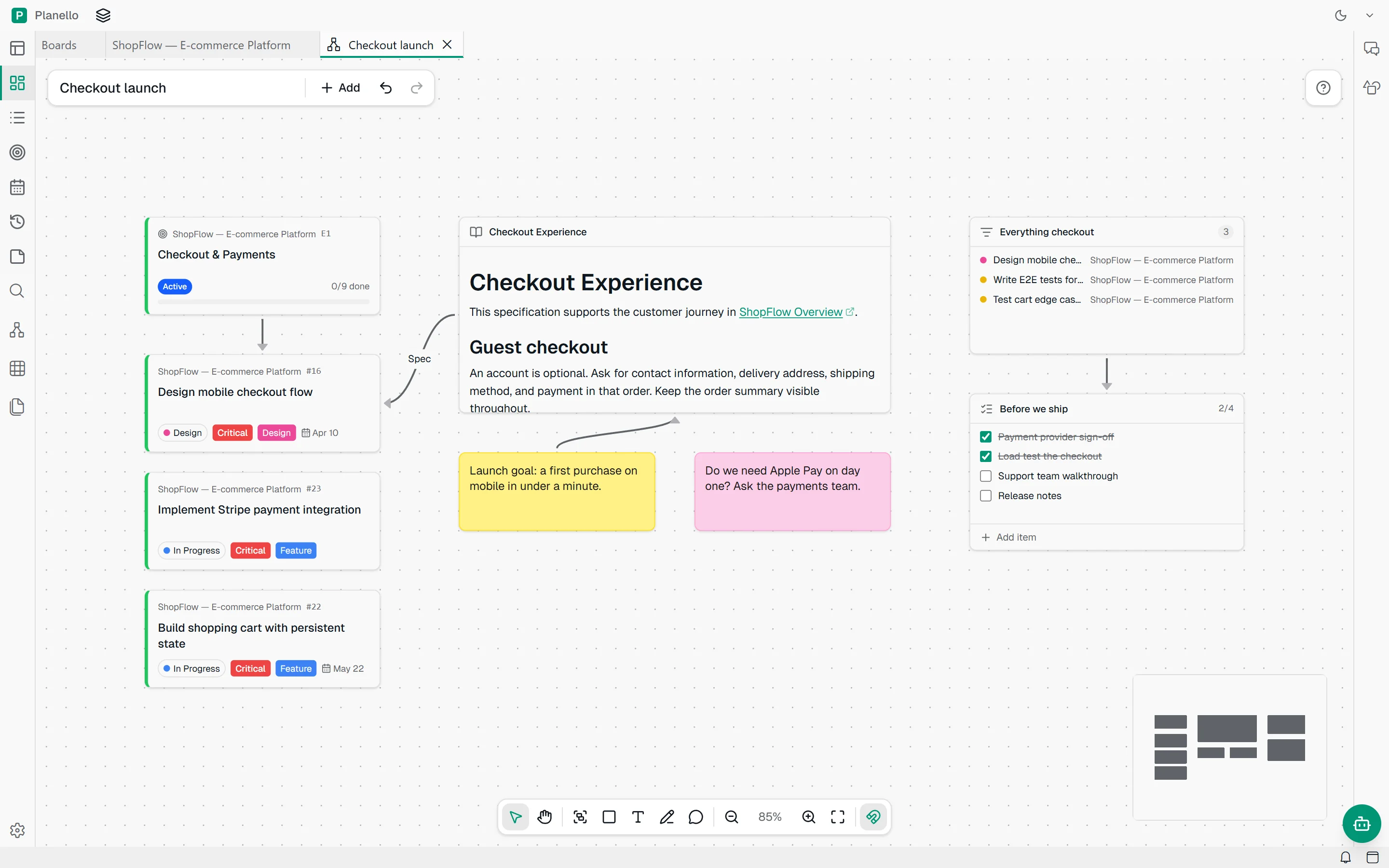
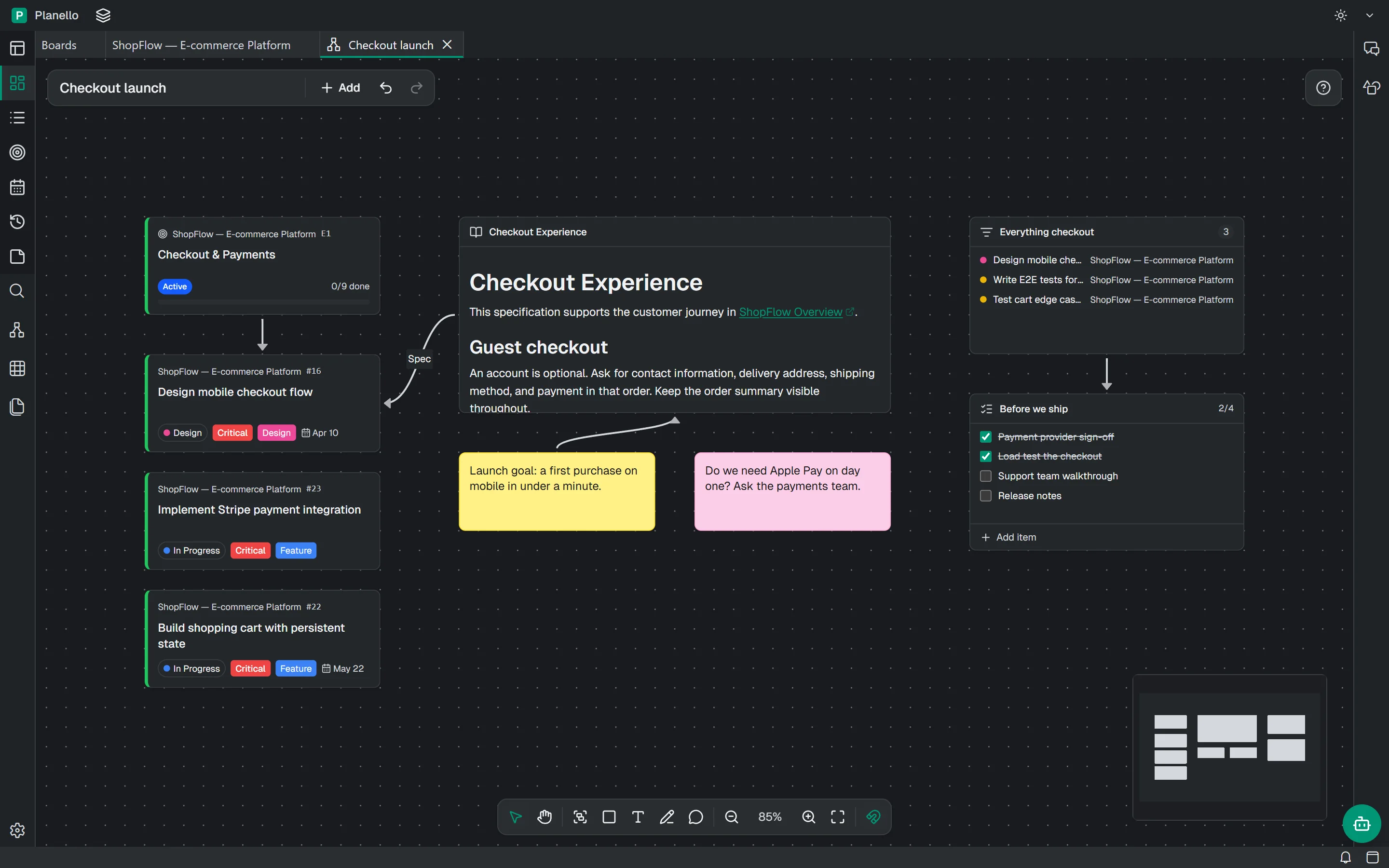
Done. "Checkout launch" is open: the epic with its two critical cards, the Checkout Experience spec linked to the design card, and the launch goal.
Checkout Experience
This specification supports the customer journey in ShopFlow Overview.
Guest checkout
An account is optional. Ask for contact information, delivery address, shipping method, and payment in that order.
AI nodes use your own provider keys. Planello adds nothing on top, and Canvas itself is free.
Files you drop and every AI result land in Documents, in a Canvas folder, next to the rest of your work.
Every change can be undone, including the ones the assistant makes on an open canvas.
Canvases are saved with your workspace, on your device, like your boards and documents.
Questions
Canvas is part of Planello and free. Generating images, video or sound uses your own key with OpenAI, Google, ElevenLabs or fal.ai, at that provider's prices.
Yes. Canvas works in the browser and in the desktop app. In the browser, your AI keys are kept in the browser. Community nodes from modules need the desktop app.
Each AI node keeps its results, and every result is also saved in Documents, in a Canvas folder, named after its prompt. You can download any of them from the node.
Yes. Canvases belong to the workspace, so cards, epics and documents from any of its boards can sit side by side on one canvas.
Yes, in the desktop app. Modules built with the Planello module SDK can add their own nodes, which then appear in the Nodes panel next to the built-in ones.
Open Planello, start with the demo board and make your first canvas. It takes a few seconds, and it's free.