
Teams
Ready-made teams to start from, with plain names you can change.
- One agent
- Builder and reviewer
- Feature team
- Who talks to whom
- Team chat
Planello Agents
Coming soonA lead plans the card, coders build it and a reviewer checks every change, while you follow along on your board. They run on the Claude or ChatGPT plan you already have, and ask before anything you haven't allowed. Coming soon to the Planello desktop app.
Preview of a feature in development. Details may change.
How it works
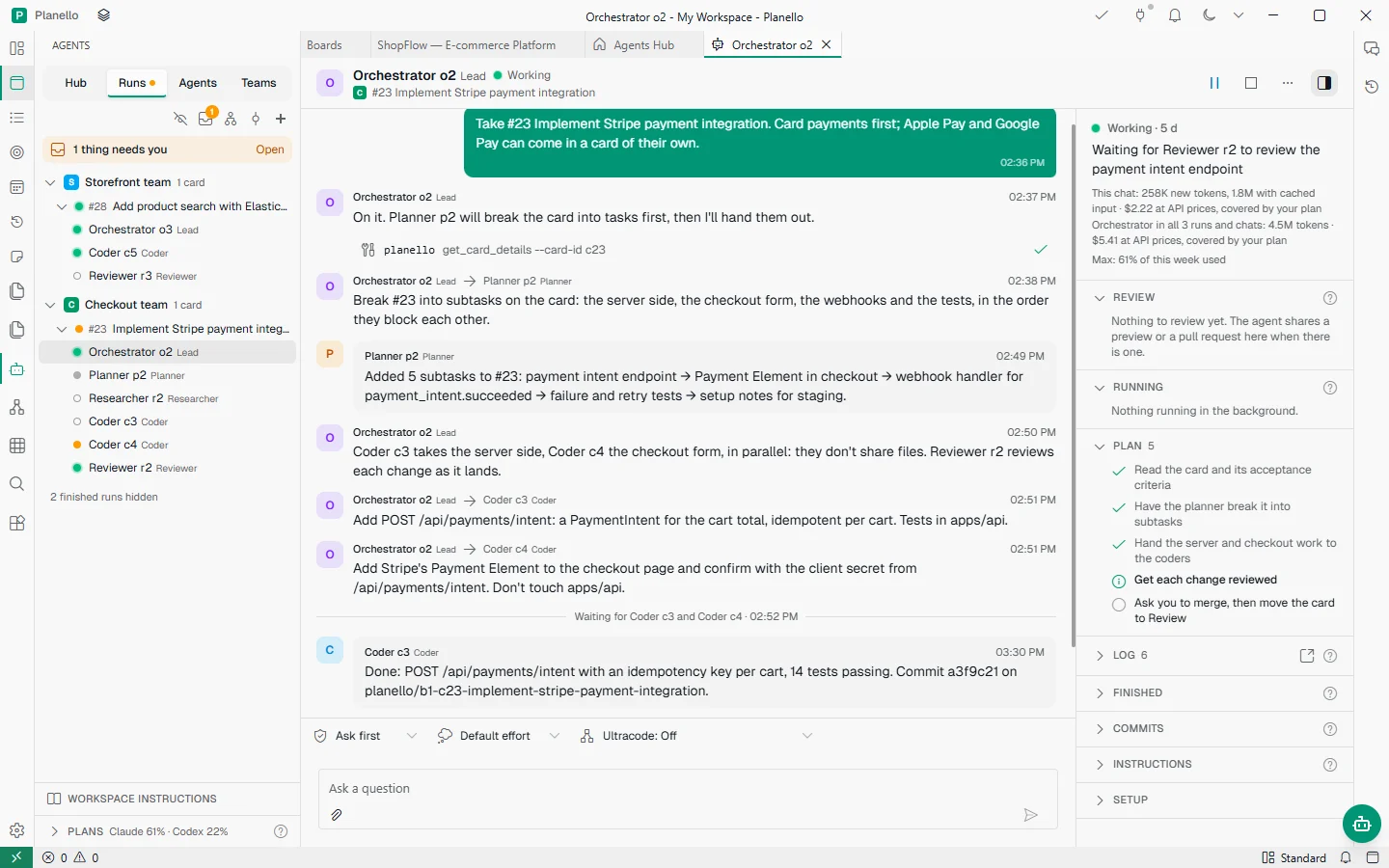
Start a team on any card. The lead reads it, the planner splits it into subtasks on the card, and the work goes out to coders who build side by side. Every message they send each other shows up in Planello as it happens.
Agents
1 thing needs youOpen
SStorefront team1 card
#28Add product search with Elasticsearch
Orchestrator o3Lead
Coder c5Coder
Reviewer r3Reviewer
CCheckout team1 card
#23Implement Stripe payment integration
Orchestrator o2Lead
Planner p2Planner
Researcher r2Researcher
Coder c3Coder
Coder c4Coder
Reviewer r2Reviewer
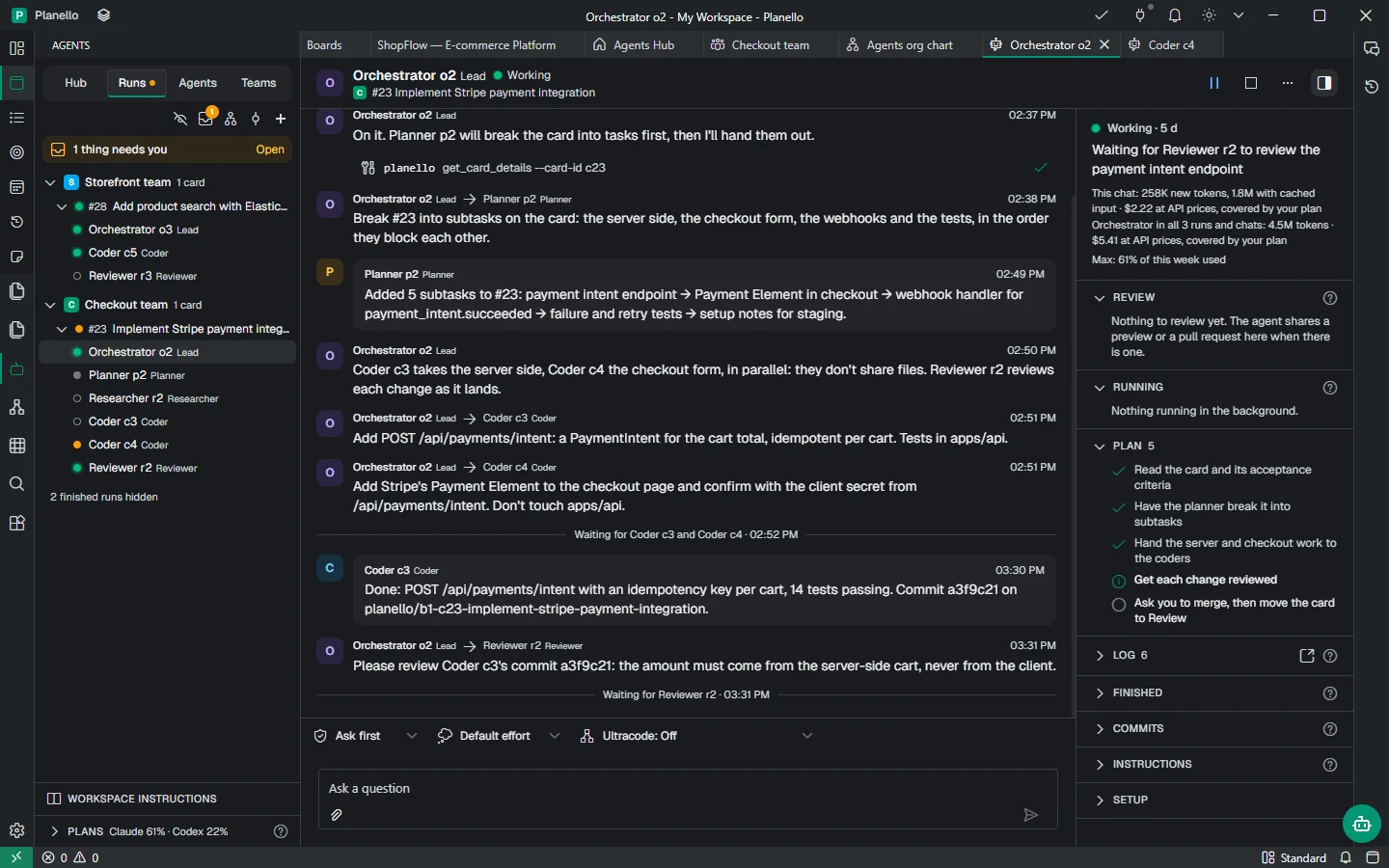
Orchestrator o2LeadWorking
C#23 Implement Stripe payment integration
Take #23 Implement Stripe payment integration. Card payments first; Apple Pay and Google Pay can come in a card of their own.
On it. Planner p2 will break the card into tasks first, then I'll hand them out.
planelloget_card_details --card-id c23
Break #23 into subtasks on the card: the server side, the checkout form, the webhooks and the tests, in the order they block each other.
Added 5 subtasks to #23: payment intent endpoint → Payment Element in checkout → webhook handler for payment_intent.succeeded → failure and retry tests → setup notes for staging.
Add POST /api/payments/intent: a PaymentIntent for the cart total, idempotent per cart. Tests in apps/api.
Add Stripe's Payment Element to the checkout page and confirm with the client secret from /api/payments/intent. Don't touch apps/api.
Waiting for Coder c3 and Coder c4 · 02:52 PM
Done: POST /api/payments/intent with an idempotency key per cart, 14 tests passing. Commit a3f9c21 on planello/b1-c23-implement-stripe-payment-integration.
Please review Coder c3's commit a3f9c21: the amount must come from the server-side cart, never from the client.
Ask first Default effort Ultracode: Off
Pick the card and the team, or set a trigger so a card that moves to In Progress starts one. A whole epic works too, card by card.
Each agent has its own chat. Read what they tell each other, step in with a message, or pause anyone at any time.
The work lands on the card's own branch. Try the preview, look at the changes, and merge when you're happy.
Teams and roles
Start with one agent, a builder with a reviewer, or a feature team with a lead, a planner, a researcher, coders and a reviewer. Every role gets its own agent, model and instructions, and you decide who may message whom.
You stay in charge
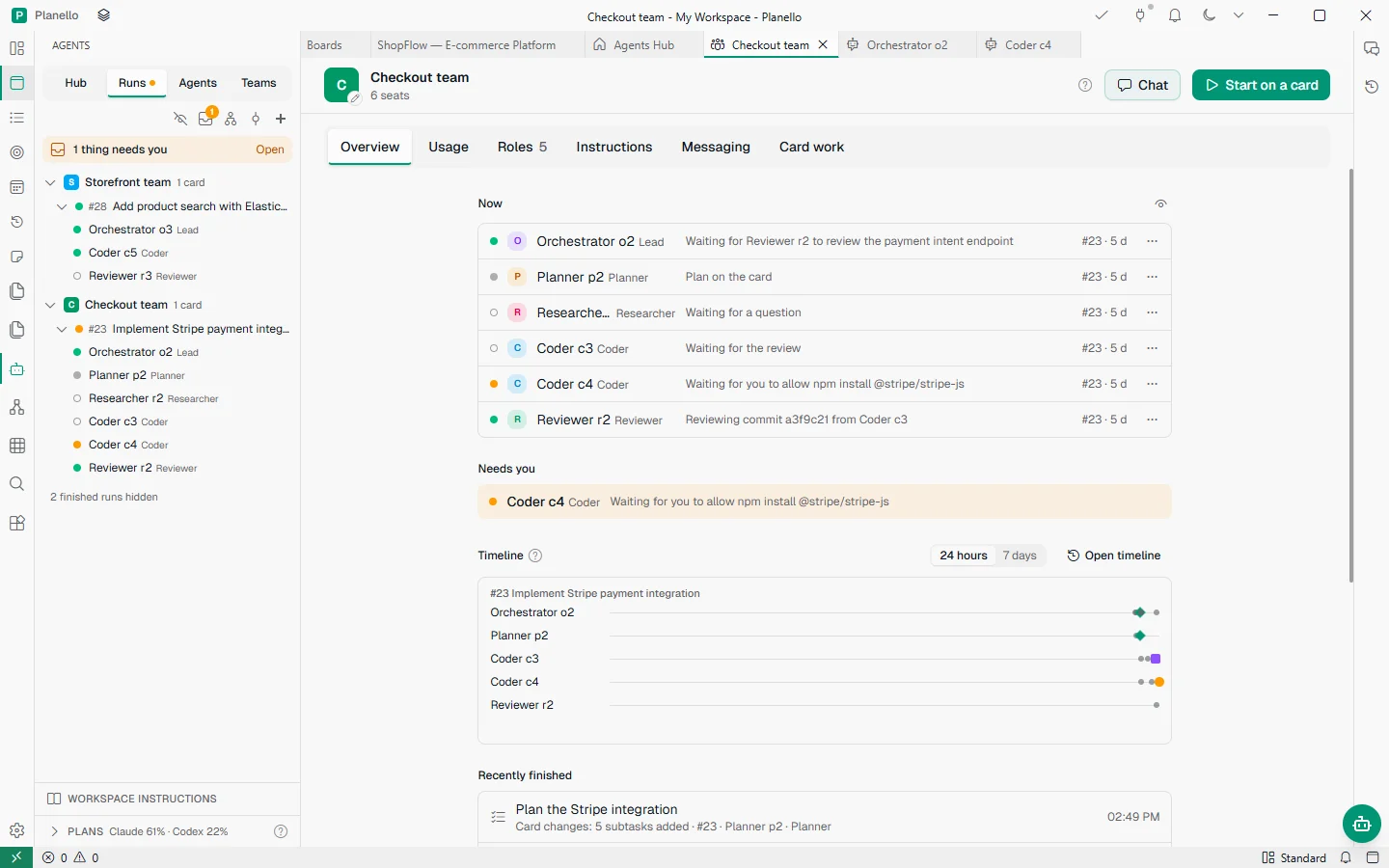
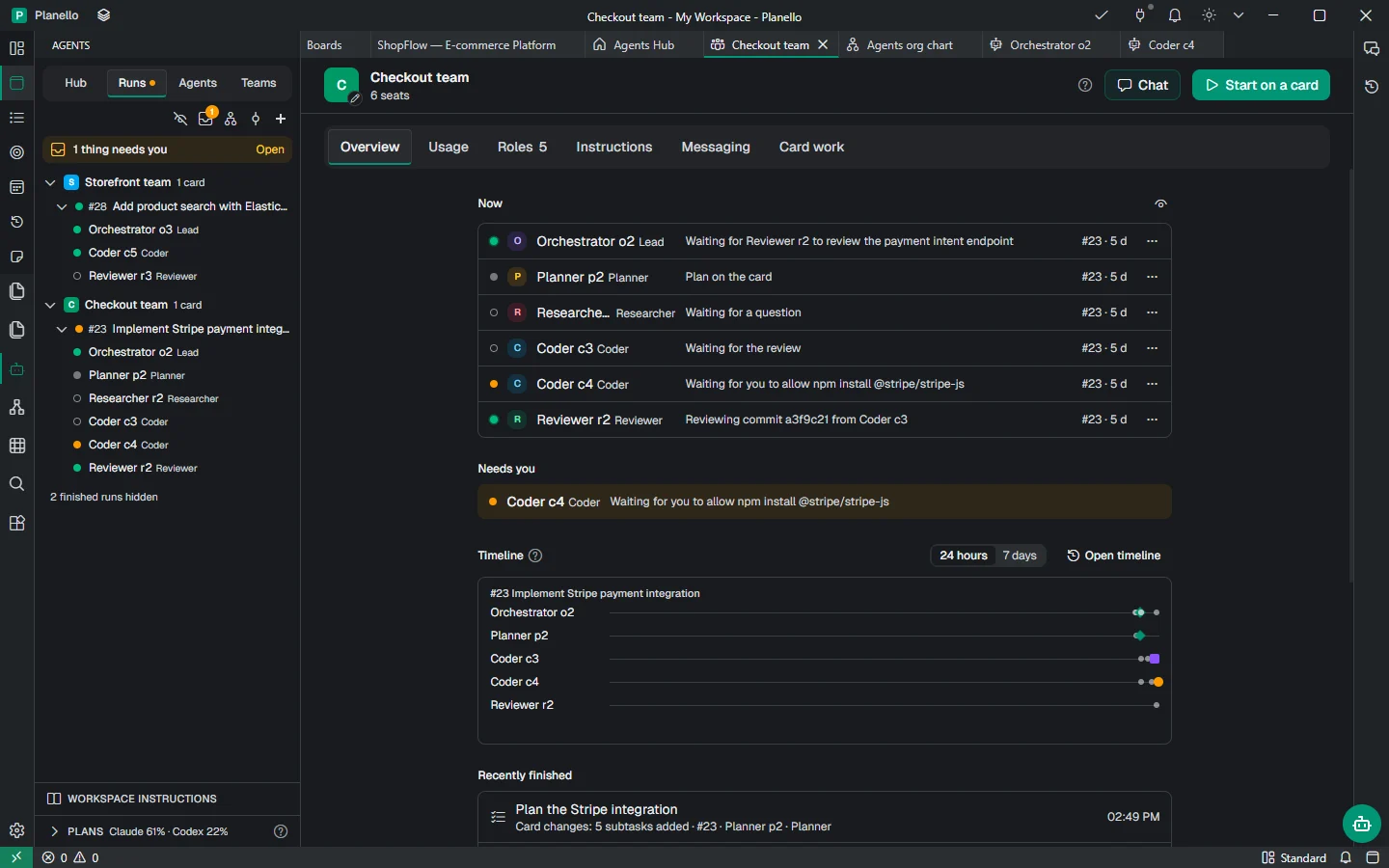
Every agent has tool rules: what it may do on its own, what it has to ask about and what it may never do. A question waits in the agent's chat and in your inbox until you answer, and the agent can't skip it.
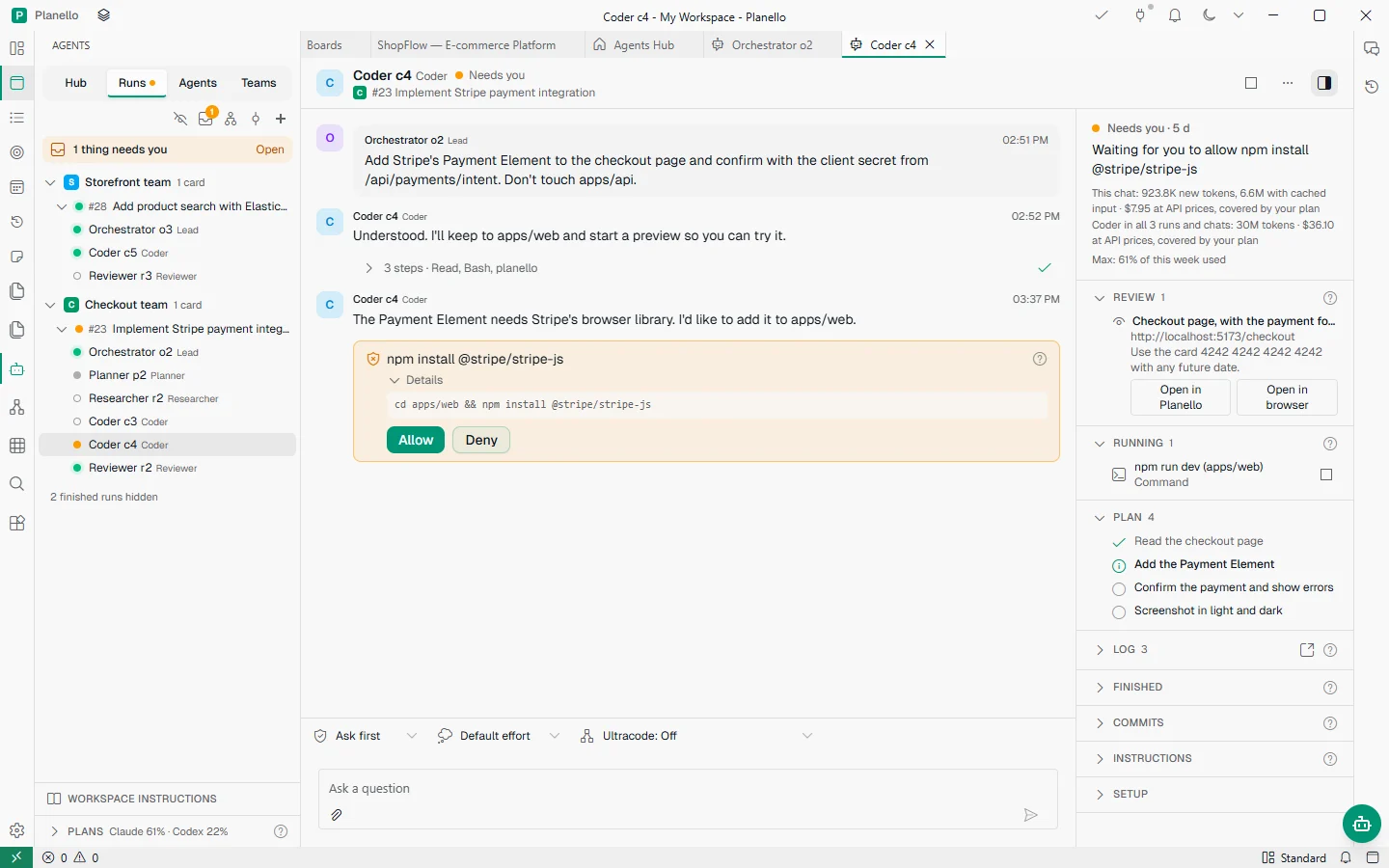
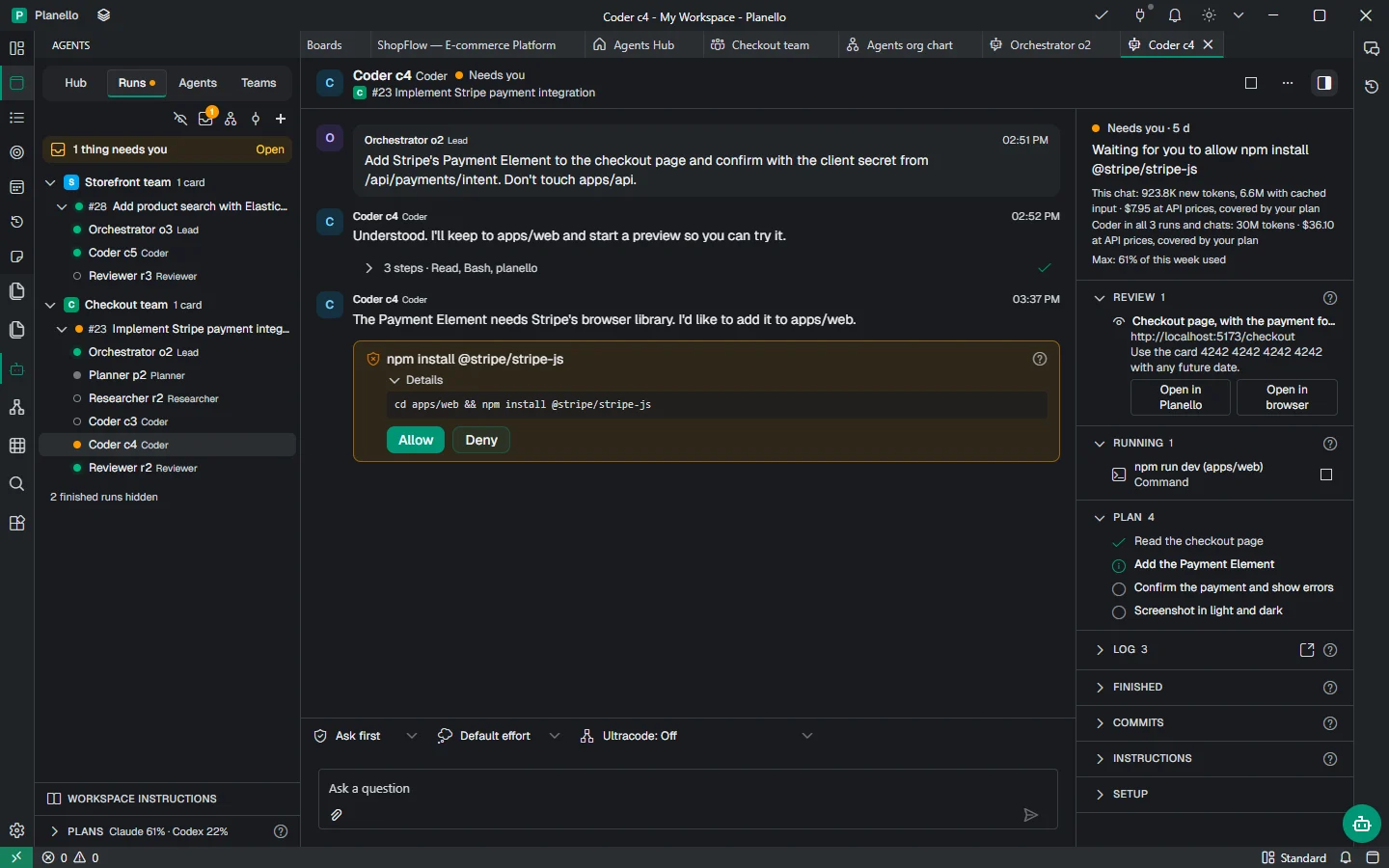
Coder c4CoderNeeds youWorkingIdle
C#23 Implement Stripe payment integration
Add Stripe's Payment Element to the checkout page and confirm with the client secret from /api/payments/intent. Don't touch apps/api.
Understood. I'll keep to apps/web and start a preview so you can try it.
3 steps · Read, Bash, planello
The Payment Element needs Stripe's browser library. I'd like to add it to apps/web.
npm install @stripe/stripe-jsAllowed
Details
cd apps/web && npm install @stripe/stripe-js
Bashnpm install @stripe/stripe-js
The payment form is in, on the checkout page. Try it in the preview with Stripe's test card. Ready for review.
Needs you · 5 dWorking · 5 dIdle · 5 d
Waiting for you to allow npm install @stripe/stripe-js Installing @stripe/stripe-js in apps/web Waiting for the reviewReview 1
Checkout page, with the payment form
http://localhost:5173/checkout
Use the card 4242 4242 4242 4242 with any future date.
Running 1
npm run dev (apps/web)
Command
Plan 4
Read the checkout page
Add the Payment Element
Confirm the payment and show errors
Screenshot in light and dark
Everything a team needs
Agents work in your project folder with your git, and on your board like you do: they move cards, tick off subtasks and write documents. Everything they learn stays in your workspace.
Ready-made teams to start from, with plain names you can change.
Each card gets a branch and a folder of its own, so your checkout is never touched.
Agents use your board the way Planello AI does, and claim the card they're on by moving it.
What every agent should know, and what each one learns, in notes you can read and edit.
Triggers act when cards change, so work starts without anyone asking.
See every agent at once, or one in detail, without leaving Planello.
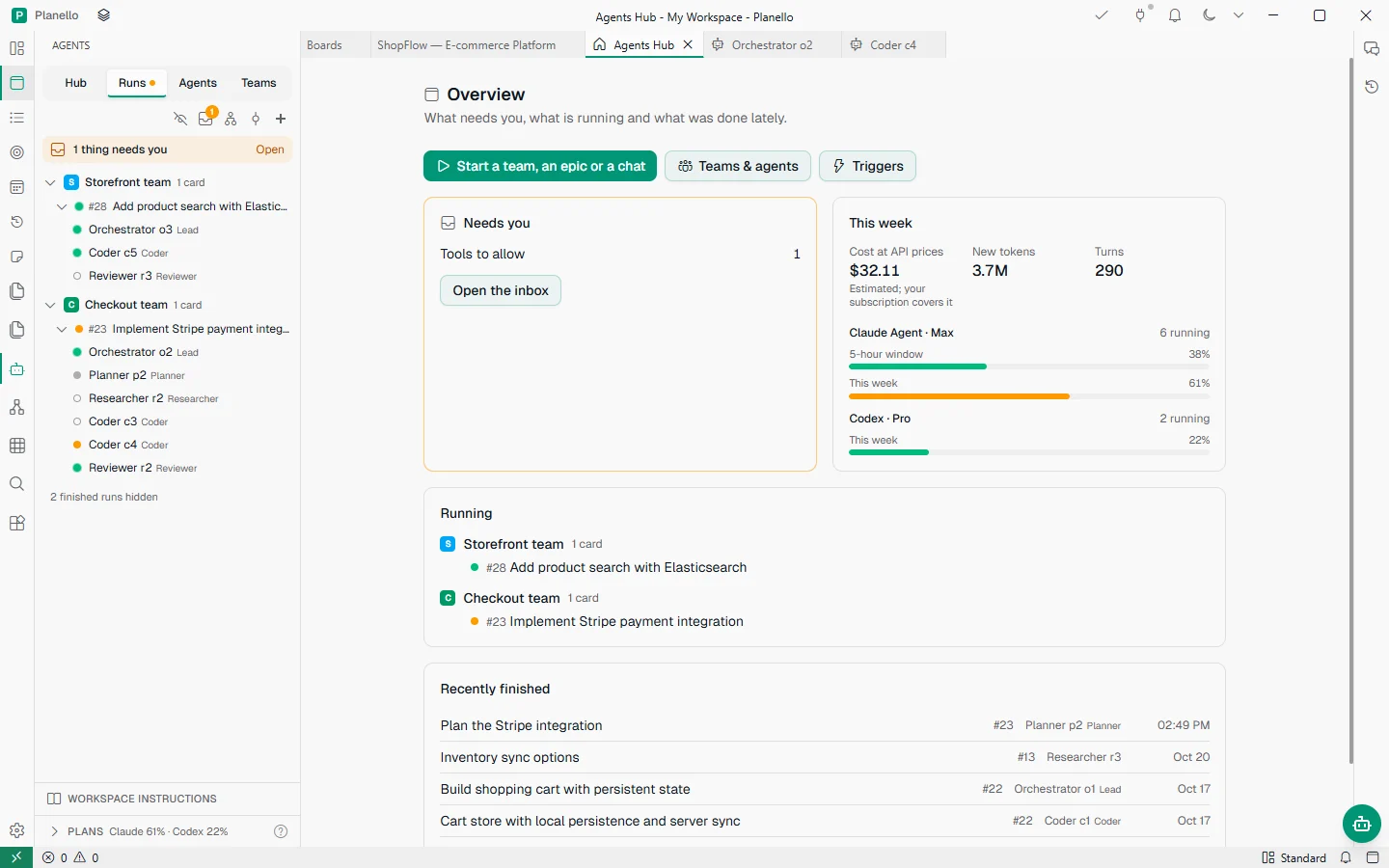
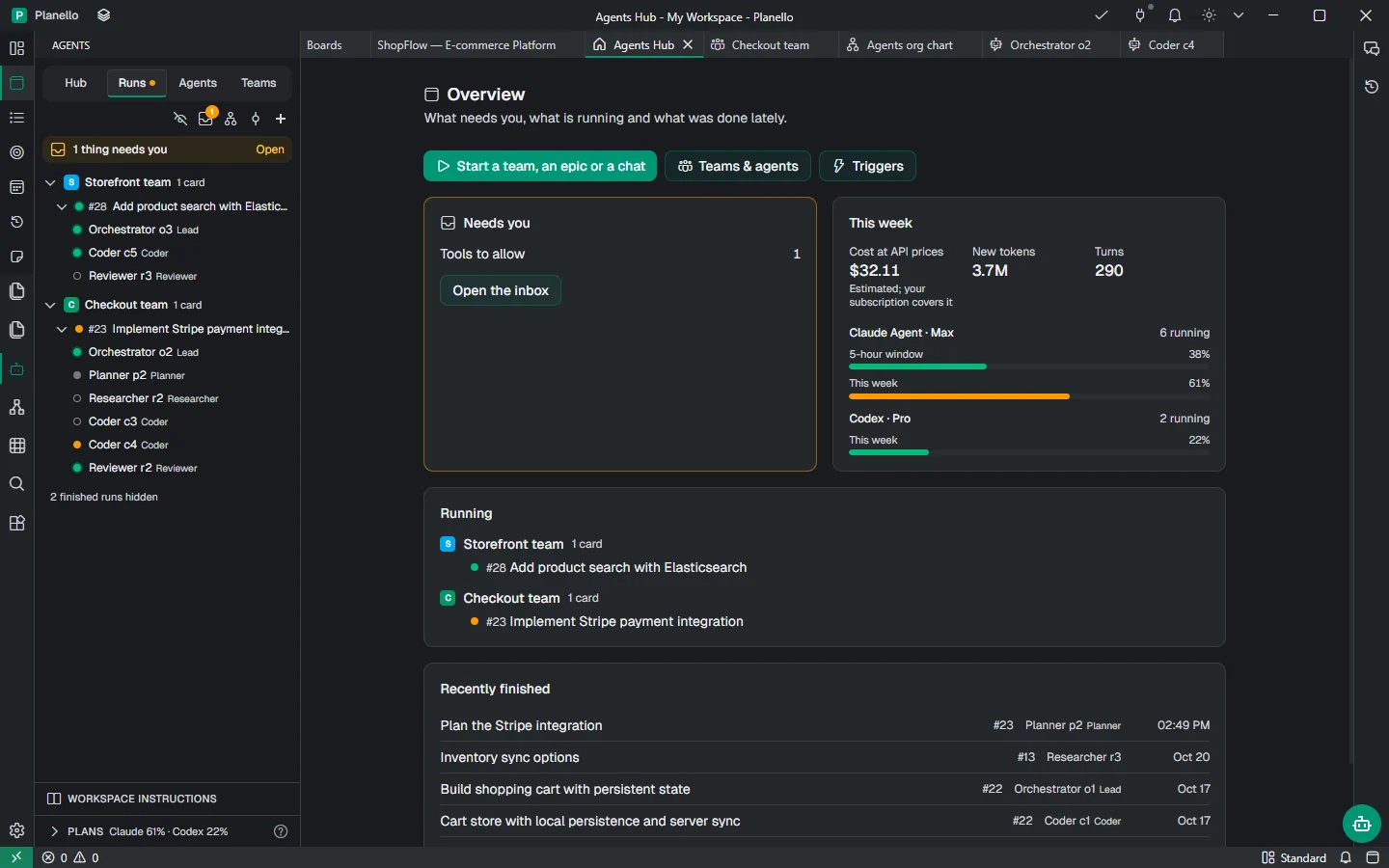
Agents Hub
The Hub opens on what needs you, what is running and what was done lately, next to your plans' limits for the week. Start a team, an epic or a chat from there.
Usage
Planello counts the tokens of every agent, team and run, as the AI reports them, and shows what the same use would cost at API prices. Here is the Checkout team's last two weeks: the shopping cart, then Stripe.
Checkout team
6 seats
Tokens by kind
Cost per day
By agent
Your plans
Agents run on your own Claude or ChatGPT subscription, or on an API key when a plan's limits aren't enough. Planello shows each plan's limits while the team works, so a busy afternoon doesn't use up your week.
This week
Claude Agent · Max6 running
5-hour window38%
This week61%
Codex · Pro2 running
This week22%
Safe by design
Agents work on your computer, in your project, under rules you set. Nothing reaches your main branch until you say so.
Commands and file changes you haven't allowed wait for your answer. In the ready-made teams, reviewers and leads don't edit files.
Each card's work happens on its own branch, in its own folder, so your checkout is never touched.
Agents ask when the work is ready. You look at the changes and merge from Planello, or they open a pull request.
Agents run in the desktop app. Your code goes only to the AI you chose, and with a local model it never leaves your computer.
Works with your AI
Each agent runs on the AI you pick for it. Use your Claude or ChatGPT plan, an API key, or any model from AI Configuration, including local ones, which Planello gives files, search, a shell and the board.
Questions
The Planello desktop app and a project folder, plus one way for the agents to think: a Claude or ChatGPT subscription, an API key, or a local model in LM Studio or Ollama. The setup walks you through it.
No. Agents need your project folder, git and a terminal, so they run in the desktop app. Your boards are the same in both, so cards you plan in the browser are ready for them.
They work on the card's own branch in a folder of their own, they ask before anything you haven't allowed, and their work reaches your main branch only when you merge it. You can pause or stop any of them at any time.
Planello itself is free. Agents use your own AI: on a subscription they count toward your plan's limits, on an API key you pay the provider. Planello shows what the same use would cost at API prices, so you can compare.
Code is what they do best, but a researcher can look into a question and leave a document on the card, and every agent can plan cards, add subtasks and keep the board up to date.
Planello Agents is in development and coming soon to the desktop app. Planello is free, so you can start planning today: when agents arrive, your boards and cards are ready for them.
Planello Agents is on its way. Start with Planello today, free, and your boards will be ready when it arrives.